












The Ignite Agenda Has Dropped
Learn and Share
Recently active
Is there any way we can set up email automations or workflows to follow up leads? I’m refining our sales process so we can be more efficient in managing all leads.
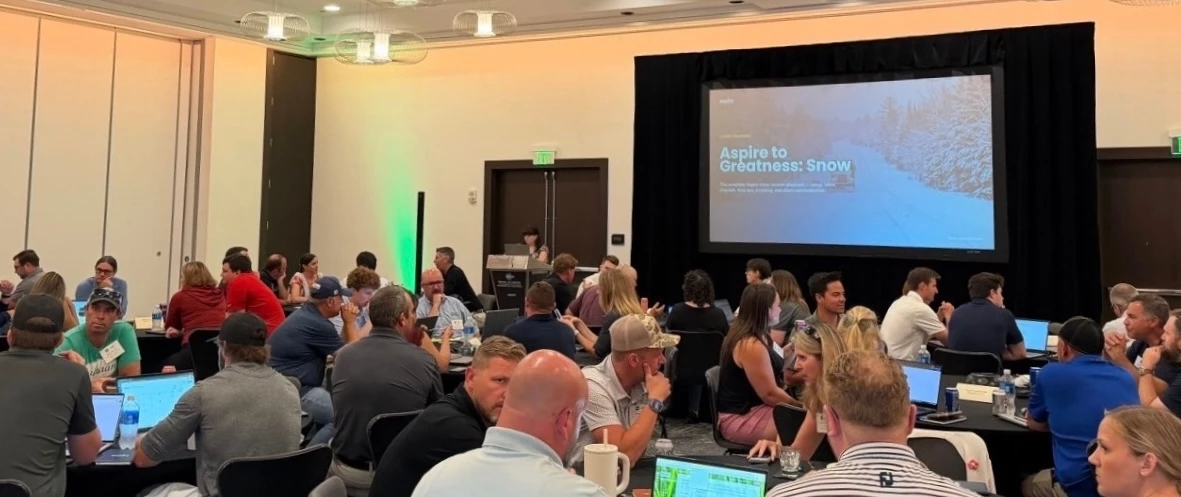
Our First Aspire to Greatness for Snow and Ice ❄️ If you run snow and ice operations, you won't want to miss this. Aspire to Greatness was built around one goal: getting snow operators ready before the season hits. This exclusive workshop is tailored specifically for snow operators looking to build the habits, workflows, and routines that keep operations seamless when the storms hit. Whether you are prepping for your first snow season with Aspire or refining your existing setup, this event is designed for you. 🗓️ July 14-15📍Minneapolis, MN Come ready to conquer mid-storm bottlenecks, unlock powerful snow-specific features, and sharpen your processes. Aspire to Greatness connects you with peers who share your challenges and goals, alongside our top experts, so you can swap best practices and master the platform well before the first snowflake falls. Snow season planning starts earlier than most people think. Register today.
Hello! We process 1000s of transactions year (as I’m sure many of you do). I’m wondering if anyone has figured out a way to upload multiple purchase receipts from a spreadsheet instead of entering manually. Have you created an API workflow or hired someone to make one? Do you use AI to scrape invoices to make processing easier? Would really love anyone’s ideas and help! Feel free to reach out in messages. Thank you in advance! Also… if you have time, please consider voting on the following related ideas/suggestions. WAP-I-5050 clone purchase receiptWAP-I-2285 copy purchase receiptWAP-I-7094 bulk delete lines from oppWAP-I-7499 keyboard only data entry on purchase receiptWAP-I-2792 display live sales tax on estimates rather than waiting until the estimate is completeFB-I-264 credit card purchasesWAP-I-4938 credit card purchasesWAP-I-4767WAP-I-3789
Hello all - Has anyone noticed recently that the ‘Service Look Up’ column on the work ticket list is now returning the customized Display Name from the Opportunity instead of the actual name of the service code? And the actual service code name doesn’t seem to be an available column anymore?
Is there a way to generate an invoice or summary that shows the total project cost, including draw payments and change orders, without actually billing the customer? A client would like to see a complete cost breakdown with the approved change order reflected in the updated total, but I do not want to actually bill for everything. Attached is an example of the initial cost minus the change order, and then the second example below reflects the deposit amount with the change order which is not reflecting the entire job.
Tax day just got easier with Avalara We’ve officially launched our new Avalara integration in our latest Daffodil Release, designed to take the manual headache out of tax compliance. Here is what this means for your workflow: Effortless Sales Tax: Automatically calculate Sales Tax during both the estimating and invoicing stages. No more guessing games just accurate, real-time tax data. Automated Use Tax Accrual: Accrue Use Tax on Purchase Receipts automatically based on your vendor configurations. You can now seamlessly record vendor tax liabilities without lifting a finger for manual calculations. Why use it? Fewer manual errors, faster invoicing, and total peace of mind when audit season rolls around. Put tax compliance on autopilot so you can focus on what matters in your business. Note: To enable this feature, contact your Customer Success Manager (CSM). This integration requires specific configuration and an active Avalara subscription. What tax workflows take up most of you
What’s the best way to avoid work ticket warranty, any recommendations?
Good morning,I am trying to figure out how to create a onsite vs total time metric for efficiency. Any help would be greatly appreciated. Thank you!-Mike
Join the Next Wave of Our Ambassador Network 🚀 If you are passionate about Aspire and the strategic impact it has delivered for your business, we invite you to join our network of industry leaders, our Aspire Ambassador Network. Our Ambassador Network is a community of Aspire clients who connect with industry peers, share their success, and earn exclusive recognition for the experiences they bring to the table. What's in it for you? As an Ambassador, you'll get to: Network with like-minded business leaders and exchange best practices with other top Aspire users Earn exclusive rewards for sharing your Aspire experience with prospective clients Be featured in Aspire case studies, webinars, social media, and more Access special events both in-person and virtual with the Aspire team and industry leaders Help shape the industry by influencing how other businesses approach efficiency, growth, and technology What we ask of you: Been active on Aspire for at least six months Open
We are seeking an experienced SAAS admin to assist in training in the Greenville SC area.Specifically, in:EOM process Inventory processes Over/Under training mostly needed Requesting in-person training.
starting yesterday we saw an uptick in guys not have a clock out time. I chalked it up to our learning curve.We met with the crews this morning and most swore they were clocking out on the phonesSo this afternoon I tasked my Supervisors to physically watch the crews clock out, which they did. However almost none of the clock outs registeredWe have refreshed the phones as well. This is even happening with crews that have been on Aspire since January. Anyone else experiencing this?
Hello, I cannot login into customer support, I don’t know my user name and when I try to reset the password, I don’t receive a password reset link. I read something earlier about an email sent in early December, which I do not have. Does anyone know how I can get another copy of that email ?
Is there any way we can generate one invoice for all past due balances?
Taking Over the Walt Disney World Swan and Dolphin Resort This year's Ignite is being held at award-winning Walt Disney World Swan and Dolphin Resorts in Orlando. In between sessions, you can enjoy world-class accommodations, 23 restaurants and lounges, the Mandara Spa, resort pools, and complimentary transportation to all four Disney theme parks. Not a bad way to spend a few days. If you haven't already locked in your spot for Ignite, now's the time. The Prometheus Award The Prometheus Award recognizes industry leaders who have driven meaningful change and given back to their communities through charitable efforts. The recipient will be awarded $5,000 for a charity they select, featured on Power the Nation, and celebrated at a special ceremony at Ignite. Submit your nominations by August 3rd through the link.
Hello! We purchased materials for a job but ended up not needing/using one of them. We have already added that purchase to the job and Work Ticket, and it’s showing in the material costs. I would like to know if it is possible to remove that from the ticket. Would it be enough just to delete the purchase, or do we need to take any extra steps to ‘refund’ the purchase?
Am I crazy or did a change take place to the division display in Work Tickets? I could have sworn that the division displayed on the Work Ticket used to match the Division in the Opportunity--like it would pull the division from that box. But now it seems to be displaying the division that is tied to the service associated with that ticket. I’ll give you an example… We have a Work Ticket that is a part of a Work Order opportunity that has been labeled with “Indirect” as the division. However, within the estimate, a service that falls under our “Landscape” division was used (correctly I might add). As a result, when I attempt to filter Work Tickets by “Division = Indirect” this Work Ticket doesn’t show up because the Work Ticket itself has a Division of “Landscape”. This is a huge problem for reporting purposes, especially because this is NOT how it used to display--at least I’m pretty sure. Am I crazy? Has anyone else experienced this too? Is this a bug or a feature? Either way, I’d lo
How to avoid billing a contract that ends mid-month? For example, the contract started 5/15/25 and ends 6/14/26 and all 12 months have already been invoiced. Aspire is showing on invoicing assistant and invoice to bill for June 2026 but that is not correct, no invoice is needed for June 2026. However, there are still work tickets scheduled through 6/12. What's the best way to clear that up?
We’re back with another webinar for the Back 2 Basics Series! Is your property data working for you, or creating headaches in your reporting and operations? Messy records, duplicate properties, and inconsistent fields can quietly drag down efficiency across your entire business. Join product specialist Brittany for this hands-on session where you'll learn how to take control of your property records in Aspire and build habits that keep your data clean for the long haul. 🗓️ Date: June 10th, 2026⏱️ Time: 11:00 AM PST What we will cover in this webinar: A clear understanding of the essential property record fields in Aspire and how to use them effectively Best practices for organizing and managing property data across your team Proven strategies for maintaining accurate, clean, and up-to-date property records Tips to avoid the most common data entry errors and prevent duplicate property records Ways to improve operational efficiency and unlock better, more reliable reporting C
If I am on ticket 5 (week 5) of a mowing schedule and I would like to change the order in which a crew is servicing the property I can edit the recurring schedule to the proper order. If I edit this schedule to begin on ticket 5, and a start date of 5-26-26 and order number 50, what impact will that have next season when the contract is renewed and we want to keep the previous seasons schedule? Will it not begin until ticket 5? Do I need to think differently about changing a recurring schedule after we are weeks into the season?
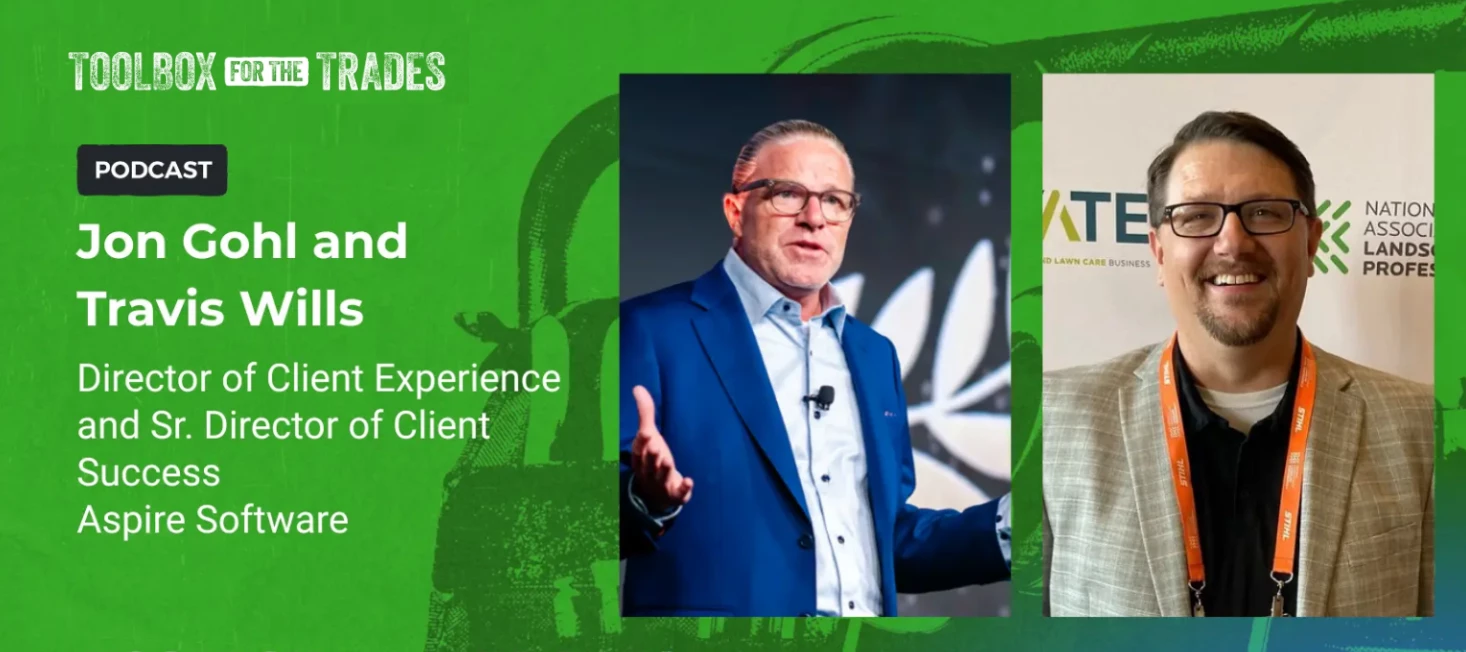
What happens when AI decides who gets the job? AI-driven search experiences are already here and it’s rewriting the rules of online visibility for home service businesses. In our newest episode of Toolbox for the Trades, Amanda Salvatore talks with William Haddad, SVP of Product & Optimization at Scorpion, about why constant algorithm updates don't matter if you focus on the right thing: Brand Authority. William breaks down why the old playbook of chasing keywords and clicks is losing ground to something much harder to game: trust. He gets into the three core mechanics still driving search in an AI-first world, why brand authority is the new currency, and why a teach everything video content strategy might be one of the most underutilized moves in home services marketing right now. Are any of you already seeing AI tools (ChatGPT, Google's AI Overviews, etc.) send customers your way, or is it still mostly traditional search driving your leads? Give the full episode a listen throug
Make the most from every conversation at Ignite Last week, Amanda Salvatore, host of the Toolbox for the Trades Podcast, sat down with Justin Mangold from Mangold Horticulture and Sam Rankin from Yardline Pest Control and ETCH Outdoor Living to talk through how to get real value out of industry events like Ignite. The networking segment alone made it worth the listen. A few standouts: Show up ready to give, not just take. The best networkers contribute as much as they gain. Pick a new seat at every session. You already share something with whoever's next to you. Connect with people outside your market. Since they're not competitors, conversations can go deeper. Break the ice first. Most people are waiting for someone else to do it. Beyond networking, the recording also covers pre-event planning, on-site tactics, and how to actually apply what you learn. Make Ignite pay off and watch the full webinar recording here. 🎥
Tired of month-end chaos? Then Aspire’s Accounting Workshops might be right for you. Join us at our office for a focused, hands-on workshop where you'll learn how to confidently manage and reconcile invoiced revenue as part of your EOM close. 🗓️ Our next session: June 16–17 | Focus: Invoiced Revenue Hosted at our office, these sessions offer: Expert-led group training tailored to common EOM challenges Personalized support to address your specific accounting needs Flexible scheduling with multiple dates and sessions to choose from Whether you're looking to streamline your workflow or troubleshoot specific accounting challenges, our team is ready to help you walk away with real solutions. Be sure to check out all of our upcoming workshop dates through the link.
Here’s where it actually leaks In our latest blog, we go over how most operators assume margin problems start in estimating. But they don't. The leak usually happens between the quote and the completed job. Peak season creates the perfect conditions for it: Seasonal crews producing at 60–70% of estimated efficiency Rework hours buried in overhead instead of tied to the original job Travel and transitions eating billable utilization Scope creep without change orders By the time the monthly P&L shows it, those lost weeks can't be recovered. The fix isn't pricing differently, it's seeing differently. Track estimated vs. actual production rates weekly. Calculate margin by crew, not just by branch. Log rework against the original job so root causes surface. Where's your biggest leak this spring?
I'm wondering how everyone is getting equipment to show up on crew leader’s mobile app. I know with Crew Mobile the equipment would show up in the daily plan. It seems like in the new version you have to use the equipment scheduling tool in order for crews to see equipment being used for the day. I'm wondering if there is another option?
Hey who here is using General Conditions templates? I havent messed with it any and would love to see how others are using it.
Already have an account? Login
No account yet? Create an account
Enter your E-mail address. We'll send you an e-mail with instructions to reset your password.