
















The Ignite Agenda Has Dropped
Learn and Share
Recently active
We started sending everyone their own personalized weekly report. It turned into one of our most-used tools. Been meaning to post about this one for a while, but I’ve spent many nights and weekends the past year or so learning how to build automation tools, which I want to share with the group!Quick context that'll cover this whole series, since I'll be leaning on it every week: I built custom automation talking to Aspire's API directly. On a schedule, it logs in, pulls whatever that week's report needs (completed tickets, hours, notes, whatever the specific tool cares about), packages it into a formatted PDF (sometimes Excel), and emails it out on its own. Nobody has to remember to run a report or export anything by hand, it just lands in the right inbox. I'll spare you the plumbing from here on and just focus on what each tool does and why we built it.First one up: we call it our "Week at a Glance" report. Really it's the same report wearing three different hats depending on who's re
I just wanted to share a “small win” I had today on my Aspire journey… I’ve been flummoxed for a while now by the lack of a ‘Won Date’ column on the work ticket lists. Was really frustrating when trying to schedule work orders based on when the job was won. Well, it turns out there is a column on the work ticket list called ‘Created Date’ which is, in all actuality, the same as the ‘Won Date’ of the job (since the work tickets are created the moment a job is won!!). Anyway, that’s it. My small Aspire win for the day. Hope everyone had their own small win today too 😁
📣 Please vote (for Idea WAP-I-8007) if you'd like to see Aspire's EOM Checklist become a true month-end workflow tool!Our accounting team would love to use Aspire's built-in End-of-Month Checklist instead of maintaining a separate Excel spreadsheet. Unfortunately, the current checklist is too limited for teams that collaborate on the close process.Some enhancements that would make it far more valuable include:✅ Customizable checklist items and sections 👤 Assignment of tasks to specific users or roles 📝 Task instructions and notes for each step ✔️ Separate Completed and Reviewed statuses to support internal controls 📊 Progress tracking showing who's responsible for what and what's still outstandingThese improvements would allow many organizations to manage their entire month-end close within Aspire, improving accountability, consistency, and adoption while eliminating the need for external spreadsheets.If your finance team has run into similar limitations, I'd really appreciate your
The response to the last post was pretty cool: people reaching out in DMs, phone calls, email, LinkedIn (let's connect!), etc. Keeping it going, but shifting the topic a bit for this post. A lot of you asked less about the reports, more about how this actually gets built. So here's that post.Fair ask. The replies and DMs from the first post were more like "okay, cool report, but how does the plumbing work, and how are you, a non-developer, actually doing this with AI?" So let's get into it.Staying organized was the real unlockEarly on I was starting fresh in every conversation, re-explaining the same context each time. Once I figured out you could set up a persistent "project" (give it real context about what we're building, our conventions, our data's quirks), it stopped being a series of one-off chats and started being an actual system that builds on itself. That's the difference between "cool, made a report" and where this ended up.A few things I said upfront to AI that mattered mor
We’ve experienced an uptick of clients getting frustrated with the client portal, which delays us receiving deposits and final payments on projects. Clients don’t love having to create an account to view and pay their invoices online versus utlizing previously established accounts such as apple pay, intuit invoices (which allow for apple pay), or using zelle to send payments. The office administrators experience is that working to accomodate these client concerns requires double work and falls outside our existing AR systems. In some cases, it simply can’t be done at all.Examples include having to re-create the invoice in quickbooks, send it, receive the payment, delete the payment and invoice and quickbooks and re-enter it in Aspire. Does anyone have a system or process for these situations that works to allow for faster payments and various payment options outside of using the client portal WITHOUT creating a bunch of double work?
I just attended The Herring Group’s webinar with Bobyard and posed a question that’s been on my mind for some time now. It seems we didn’t really have time to dig into a complete answer. Curious to hear what others in the Aspire community think or know about the topic. I knew it was a good question when the initial response of the Founder/CEO of Bobyard was “sounds like one of my investors.”😊 “I'm very bullish on AI and we're incorporating it into nearly every part of our business. My concern isn't whether an individual AI tool is valuable—it's the long-term technology stack. Today it feels like we're bolting AI onto a collection of legacy systems, and the experience is fragmented.How do you see this evolving over the next 3–5 years? Do companies like Bobyard become best-in-class AI tools that integrate deeply with platforms like Aspire, or do you think the next generation of enterprise landscape software will have AI built in from the ground up?And beyond estimating, how do you see
Hey all! I condensed some of the community ideas on clock time entry into an idea that has been accepted! Please vote here: https://feedback.youraspire.com/ideas/WAP-I-8006The current method of clocking crew members into a crew leaders phone is tedious. It requires a clock in of the crew leader, a log out of the crew leader, a pin entry by the crew member (assuming they remember and enter the correct pin), a log out by the crew member, rinse and repeat for all other crew members, and a final log in for the crew leader. Each clock in requires 8 taps on the phone.This process could be streamlined by adding an "add crew member" to the Time screen. Once the button is pressed, the crew leader can select from the people assigned to their crew in the scheduling module, or enter the pin for the crew member. It would be exceptional if this integrated functionality discussed in WAP-I-6081 and allowed for an NFC ID card to be tapped.
We're looking for some feedback from the group.We're a $6M landscape company with two primary divisions and schedule boards: Landscape Construction and Landscape Maintenance.For those of you running construction/enhancement work, who is responsible for validating and completing daily time entries? Do your estimators/salespeople review time daily with the foremen on their jobs? Or do you have a centralized dispatcher or administrator handle all time entry and validation? For the past few years, we've used a centralized process with one person handling time entry. We're considering shifting that responsibility to the salesperson/estimator so they're validating labor daily with the foreman assigned to the project.I'd be interested to hear what's working well for others and any pros or cons you've experienced.
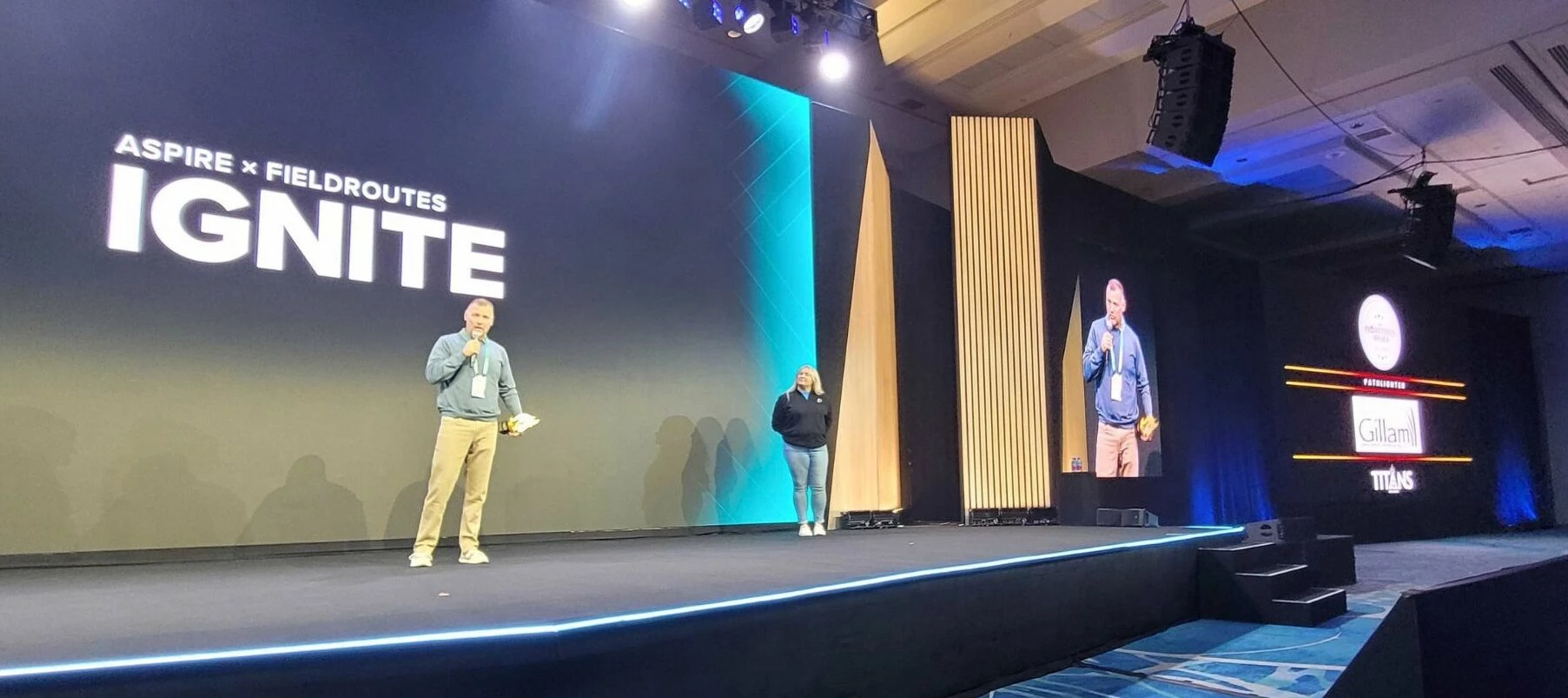
AI Automation is Taking the Spotlight The wait is finally over. One big theme this year centers on how the AI conversation in landscaping is moving from What if? to What's working? Several sessions will explore how leading companies are using AI to estimate faster, schedule smarter, improve field operations, and drive measurable results. Highlights from the agenda include: AI, Automation, and the Future of Landscape OperationsCut through the noise with a panel of industry trailblazers. Learn which tech tools are delivering actual, measurable ROI versus what’s just hype plus get a practical roadmap to build a tech-driven business. Real-World AI: How Estimators Are Cutting Bid Time in HalfHear directly from peers who’ve tamed the learning curve. Discover how they’re leveraging AI to cut estimation times in half, submit more bids, and win more work in less time. Dive in now and explore the agenda.
We meet weekly and go over all completed work tickets from the previous week. What we have noticed is that some tickets still show crew leaders that no longer work for us. This is on reoccurring services. How could we fix this?
Does anyone in the forums already have access to Site Audit 2.0? My CSM said it is being rolled out to companies who were already using site audits, and also some in the Sandbox. We are still on the waiting list, but hoping for great things. Feedback on it?
We are submitting a ticket about this but we have noticed an issue with ACH payments being returned due to a bad billing address. It appears that rather than immediately rejecting the payment, the payment is accepted and then rejects a day or two later generating a $10 returned payment fee.It’s confusing our customers and costing us money so we would like to see if others have noticed this? We aren’t seeing a huge number, maybe a few a month. There are absolutely others where it’s a real returned payment.
I had some contacts that were incorrectly added to a project and I am wondering if there is a report or way to view audit history to see which user on our account added them?
A Powerful Day of Service at Arlington Last Monday, our team had the privilege of joining the Renewal & Remembrance project at Arlington National Cemetery, and it was truly an inspiring experience. Every year, lawn and landscape pros from all over the US come together to give back to these sacred grounds. From planting and turf care to tree protection and irrigation, every bit of hard work is a living thank-you to America's veterans. We are grateful to the National Association of Landscape Professionals for bringing us together. To all who have served and the families who honor their legacy, we thank you.
The Amazon Effect Has Hit the Landscape Industry The landscape industry has historically been slow to adopt new technology but that strategy doesn't work anymore. As Robert Clinkenbeard puts it, the Amazon effect is real. When clients can track a $10 package by the minute, they aren't going to wait three days for a callback or a quote. Expectations have shifted and even the most analog operations are being forced to adapt. The companies taking market share right now are operating differently. They are willing to test new ideas, including: AI tools that shave hours off tedious admin work Modern business models built for speed and agility Client-facing tech that streamlines every single touchpoint Innovation is about adopting a new mindset that puts customer experience and operational efficiency first. The landscape leaders who embrace this shift are proving that even traditional industries can build modern, fast-moving businesses. Are you seeing this shift in your market?
Is there a reason that a customer can see a sales rep’s saved signature on a proposal when they get sent it, but when we look at the proposal after the customer has esigned it, that the sales reps signature then disappears? This may just be something we’ve messed up with our Layouts in Web Report Designer, but it doesn’t make sense that we wouldn’t be able to see a contract with both the Sales Reps signature, and the customer’s signature after the customer has esigned. Can someone enlighten me?
I must say, today was the first day I have experience the new copy feature for Aspire. I don’t like it at all. We reboot a ton of our previous year’s estimates each year. Now I have to wait for a copy to be generated which slows down the process. It used to instantaneous. To top it off I get an email saying my copy is ready. I get enough emails as it it. Can we put it back the way it was. Anyone else having issues with this new feature?
When viewing the ideas regarding to site audit in idea portal. The top popular topics were either over 2 years ago or over 3 years ago. Any update or roadmap for Site Audit?
Hey All - I started playing around with ‘Tasks’ under the Activities list. Just realized that there is no way to print out a Task (e.g. when wanting to print out a phone message)? When you’re looking at Issues, there is a print button, but when you’re looking at Tasks there is no print button? Can anyone confirm this for me? Thanks!!
Hello I’m looking to implement a bonus structure that ties in aspire, I’d like to discuss what others have done and add ideas to what I have. Be nice to bounce ideas around and see what has work and does work Thank youTed Rochester NY
Who is using visit checklists. Can I make a checklist and add it to a service once an opportunity is already won? I have not used them much. Thank you!
What are you all doing this fine morning?
Earlier this year I was really frustrated with the internal Aspire SMS notification tool. Specifically, I had a customer that was opted in to the SMS, I had several services scheduled and they got 5 texts. I got an angry phone call :(Our spray division is dynamic and we try to accomodate call-ins, and re-services within 24 hours. This means that the schedule is subject to change. You can’t edit the cancellation text that aspire sends if you re-schedule a visit, which also leads to an angry phone call.I also have customers who want notifications for certain services but not others. Ms. Sally might want texts about spray and mulch visits, while Mr. Joe only wants mowing notifications. With the existing system, you can’t automate that level of service-specific communication.I built an early version that automatically syncs contacts and phone numbers from Aspire into Quo.I then had it pull my 14 day schedule. I built it to be filterable, and had it use the tokens from the visit fields to d
Mastering the business side of snow management The energy at Aspire to Greatness: Snow Edition in Minneapolis last week was epic. We brought together an incredible group of snow pros running their businesses on Aspire to talk pay codes, labor management, and how to get winter service invoices out the door faster than ever. Day one focused on core fundamentals like billing models and admin setup, capped off with networking at Puttshack. Day two split into four focused tracks: Preseason Setup, Snow Operations, Sub and Labor Management, and Post-Storm. While the sessions were packed with insights, the real value came from the collaborative roundtable discussions, where attendees swapped real-world strategies and learned directly from peers. A massive thank you to everyone who made the trip and brought such incredible energy to the room. Here’s to a smoother, more profitable winter ahead. Take a look at our events page to see where Aspire is headed to next.
Hey folks, I know a lot people have some great displays for schedule boards and other things. I think it would be great for the community to share some tips and inspiration! https://care.youraspire.com/en/articles/6578056-how-to-maintain-a-schedule-board-on-an-external-display
Already have an account? Login
No account yet? Create an account
Enter your E-mail address. We'll send you an e-mail with instructions to reset your password.