


















Learn and Share
Recently active
Question for the finance experts of Aspire users! We have been closing the month in Aspire for roughly a year and a half, and do it by the second Friday of the following month. We’ve not yet had to ever reopen a month for any reason, but I do recall during implementation it was stressed to us that’s it’s not a good idea because things can get messy very quickly. I also read somewhere that if I have to reopen a closed month that’s several months ago, all the months after that have to be re-closed (or something to that nature; can’t remember the exact verbiage). So, my question is- what are all of the reasons why people avoid reopening closed months? What risks and/or challenges does it pose? Is it time consuming? Does the benefit of being able to make corrections in previous months outweigh the risk/challenges from reopening a closed period?
Good morning all. Quick question: Is it possible to automatically expose the text of the Service Description to crews so that it shows in Mobile? This would be in addition to the Service Operation Notes.
We’ve experienced an uptick of clients getting frustrated with the client portal, which delays us receiving deposits and final payments on projects. Clients don’t love having to create an account to view and pay their invoices online versus utlizing previously established accounts such as apple pay, intuit invoices (which allow for apple pay), or using zelle to send payments. The office administrators experience is that working to accomodate these client concerns requires double work and falls outside our existing AR systems. In some cases, it simply can’t be done at all.Examples include having to re-create the invoice in quickbooks, send it, receive the payment, delete the payment and invoice and quickbooks and re-enter it in Aspire. Does anyone have a system or process for these situations that works to allow for faster payments and various payment options outside of using the client portal WITHOUT creating a bunch of double work?
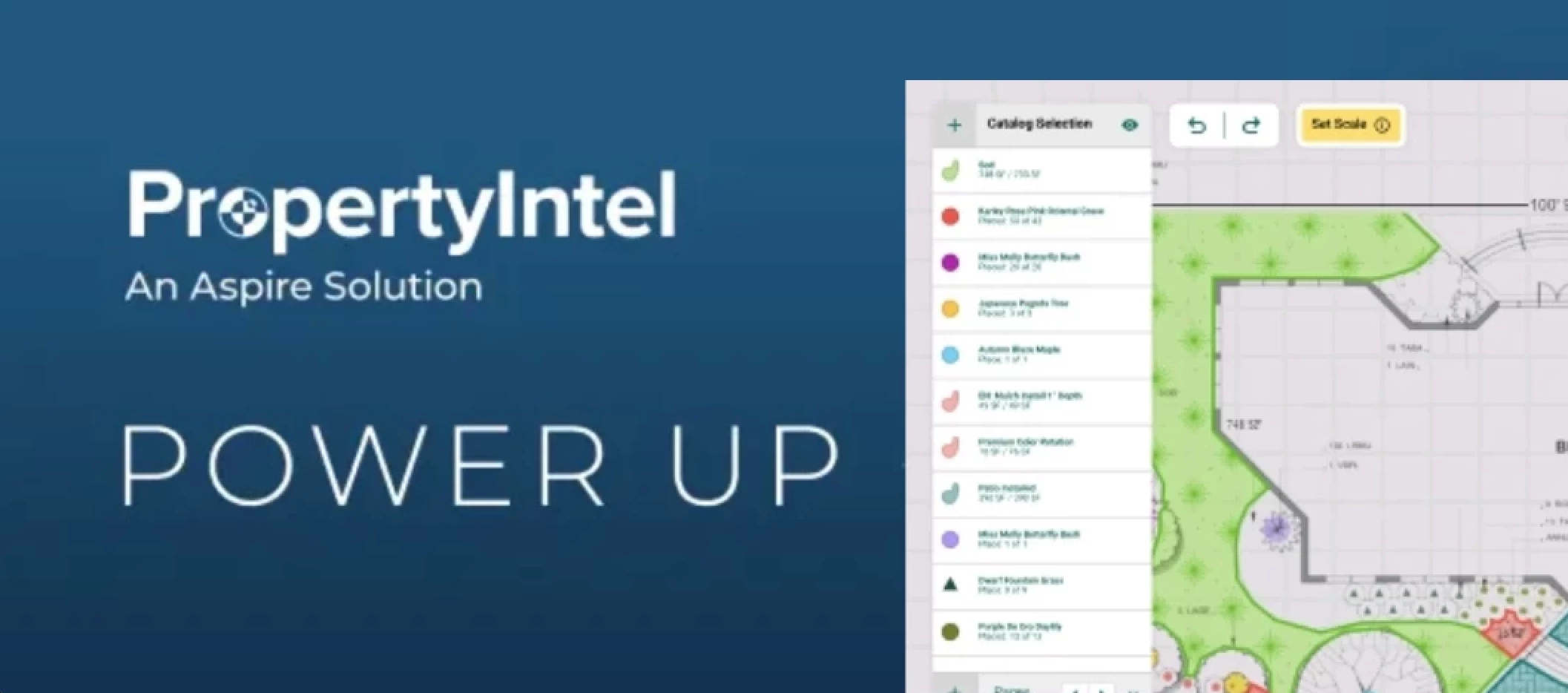
The PDF Takeoff You Remember Doesn't Exist Anymore You already know how to win the bid before you leave the truck. Now the PDF takeoff itself is catching up—three years of updates have turned it into one of PropertyIntel's fastest, most confidence-boosting workflows, from legend to layout to final count. AI Reads the Legend for You: Upload the plan and use PropertyIntel to scan the legend to automatically build your item list, so you can review and adjust it before you ever pick up the measuring tool. Learn more about this tool here. Symbol Recognition Counts While You Watch: Automatic object placement uses symbol recognition to identify and count recurring plan symbols, removing the manual click-counting that used to eat up your time. Dynamic Fill Closes the Gaps: Set Scale, Snap to PDF Lines, and Dynamic Fill work together so areas and shapes populate automatically instead of being traced by hand, one line at a time. See the Dynamic Tools in action below. Every plan you uplo
Is there a way to make the invoice format match the estimate/proposal format in Aspire? When I print them, I'd like them to look the same. The estimate includes a more detailed breakdown of the services and descriptions, but the printed invoice doesn't display those descriptions or the same level of detail. Is there a setting or customization that would allow the invoice to be formatted similarly to the estimate?
Make room on your agenda for these Ignite highlights The Ignite agenda is live, and we've picked three sessions you won't want to miss. This year’s agenda is packed with sessions designed to give your business an edge: Best in Class 2026: Lessons from Top Performers – Uncover the habits, strategies, and priorities that separate market leaders from the rest, and learn how to close the gap. Turn Planning to Strategic Execution – Keep your team aligned and focused year-round with a cadence that turns annual plans into confident, adaptable execution. Adapting Systems to Prevent Bottlenecks – Scaling your operations to handle growth is a whole new challenge. Get honest, peer-led insights from leaders who’ve successfully navigated it. Explore the full lineup and start planning your days.
Technology adoption succeeds when it empowers employees When introducing new operational technology such as fleet tracking or safety monitoring systems the primary challenge is rarely technical and often times cultural. Employees view new tools as forms of surveillance and resistance builds. Successfully implementing change requires aligning technology with trust, not enforcement. Key strategies for driving adoption include: Leading by Example: Before deploying monitoring tools across an entire organization, leaders should test the technology in their own vehicles. Shifting to Gamification: Rather than using data to penalize mistakes, structure the deployment around positive reinforcement and healthy competition. Incentivizing Excellence: Frame the initiative around recognizing and rewarding high performance. People respond far better to encouragement than to fear. How are you incentivizing new technology to employees?
We’ve recently received a few different plan options for the Aspire–Acumatica integration. Has your company changed plans recently? If so, we’d appreciate hearing about your experience, including what influenced your decision and whether you’re happy with the change.Thanks in advance for any feedback!
Don't wait for the first storm to test your systems Winter weather may feel far off, but the prep work for a successful, profitable snow season starts right now. Managing snow and ice contracts comes with unique operational challenges from unpredictability and rapid scheduling to precise job costing and material tracking. Whether you’re introducing snow removal services for the first time or looking to refine your current workflows, we invite you to join our live session: Intro to Snow in Aspire. What We’ll Cover: Snow Service Setup: How to configure snow & ice services, contracts, and pricing structures in Aspire. Efficient Route & Schedule Planning: Managing dispatching and real-time updates when a storm hits. Accurate Job Costing & Tracking: Capturing labor, time, and material usage to ensure maximum profitability on every push. Register through the link and bring your questions. 📎
I'm looking for a way to automatically send completion photos to my clients after our janitor uploads them to work ticket and management reviews them. We’re in the commercial cleaning industry, and our janitors attach nightly completion photos to their work tickets. Currently, the only way I can get those photos to the client is by manually downloading them and emailing them, sometimes to multiple points of contact. I'd like to eliminate that manual process.We already include photos with invoices, but for our recurring contracts we only send one invoice at the beginning of each month, so that doesn't meet the need for daily photo updates.I also tried having the janitor create an issue instead, but that isn't a good solution because:You can only upload one photo at a time. I have to send each issue individually. The email is sent as an issue report, which isn't what we want.I do like the issues because it does not allow the janitor to automatically send them without our review. Has anyo
Does anyone use CompanyCam integrated with Aspire? How do you like it - pros and cons?
From Landscaping to Diversified Property Services Growing a commercial landscaping business is tough but building one that scales predictably without burning you out requires a completely different playbook. In our latest episode of Toolbox for the Trades, Tony Lisa (CEO of CAM Partner Holdings) joins us to share how he transformed a traditional landscaping operation into a high-growth, diversified property services platform across New England. Most operators hit a wall somewhere between $5M and $10M. Tony breaks down the real strategies for getting past it from expanding your service line to structuring the right partnerships and planning the next stage without losing what's working. What's been your biggest challenge scaling through that range? 📣 Join the discussion and listen to the full episode through the link.
It would provide such an amazing increased productivity to integrate Company Cam to Aspire. It would allow a fast access to photos taken by crews and sales people. Receiving/sending comments related to those photos is a breeze, as well as quickly assigning a task. Currently in Aspire, the field photos are very hard to find.
Hello! I was trying to use the optional services tool to send out all of my Aeration and Overseed jobs. I keep getting an error message. Anyone else having this problem?
Big Cheers to Torrey Pines Landscape Co. on Their Go-Live We are so excited to celebrate the team at Torrey Pines Landscape Co. as they officially go live on Aspire. Transitioning to a new platform takes serious dedication, teamwork, and grit, and this team absolutely crushed their implementation journey. They recently shared some wonderful news about their milestone on LinkedIn: "We made training fun for our team... I know we are going to miss [training], but we are prepared, informed, and killing it on Aspire!" A massive CONGRATULATIONS to the whole team at Torrey Pines Landscape Co. Watching the team feel confident, empowered, and ready to succeed from day one is exactly what makes this community thrive. For all our seasoned Aspire pros out there: What is the single best tip or piece of advice you’d give to Torrey Pines Landscape Co. as they kick off their journey? Drop your wisdom below to help new community members hit the ground running!
Doubling Your Business Value Starts With Silent Churn At Lawn & Landscape Technology Conference 2026, Eli Zevin, GM at Aspire Software, took the stage with Brian Brinkworth to deliver a session titled Predict, Protect, Prosper: Turning Customer Retention into Revenue Growth. If you weren't able to catch it live, here is the core takeaway that had the room taking notes: The average landscape company operates at roughly an 11% churn rate. Cutting it down to 5% can roughly double the value of your business over five years. The 2 Big Takeaways for Your Operations: Churn is silent, not dramatic. It almost never starts with a fiery cancellation phone call. It shows up subtly: slower email replies, stretched invoice approvals, or a skipped site visit. Focusing on "at-risk" lists can waste your time. The accounts flashing the most obvious warning signs are often low-margin or small. Meanwhile, high-value accounts can look completely fine right up until they drop you. Read the full co
The response to the last post was pretty cool: people reaching out in DMs, phone calls, email, LinkedIn (let's connect!), etc. Keeping it going, but shifting the topic a bit for this post. A lot of you asked less about the reports, more about how this actually gets built. So here's that post.Fair ask. The replies and DMs from the first post were more like "okay, cool report, but how does the plumbing work, and how are you, a non-developer, actually doing this with AI?" So let's get into it.Staying organized was the real unlockEarly on I was starting fresh in every conversation, re-explaining the same context each time. Once I figured out you could set up a persistent "project" (give it real context about what we're building, our conventions, our data's quirks), it stopped being a series of one-off chats and started being an actual system that builds on itself. That's the difference between "cool, made a report" and where this ended up.A few things I said upfront to AI that mattered mor
Hey all! I condensed some of the community ideas on clock time entry into an idea that has been accepted! Please vote here: https://feedback.youraspire.com/ideas/WAP-I-8006The current method of clocking crew members into a crew leaders phone is tedious. It requires a clock in of the crew leader, a log out of the crew leader, a pin entry by the crew member (assuming they remember and enter the correct pin), a log out by the crew member, rinse and repeat for all other crew members, and a final log in for the crew leader. Each clock in requires 8 taps on the phone.This process could be streamlined by adding an "add crew member" to the Time screen. Once the button is pressed, the crew leader can select from the people assigned to their crew in the scheduling module, or enter the pin for the crew member. It would be exceptional if this integrated functionality discussed in WAP-I-6081 and allowed for an NFC ID card to be tapped.
Exploring the Latest PropertyIntel Features NEW — Map Metadata & Custom Fields on Projects Capture site-specific details condition notes, material specs, zone labels directly on every drawing, line, and placed object during takeoff, and reuse them project after project. Custom Fields, Your Way: Build text, single-select, and multi-select fields that show up right in the properties panel. Bundle & Reuse: Group related fields into a set (like "Tree Care") and apply the whole bundle to a catalog item in one click instead of adding fields one by one. Configure Anywhere: Set custom fields at the catalog level for org-wide standards, or adjust them on the fly inside a project without touching the global template. Reference Photos: Attach photos directly to any item or material on the map so your team can see exactly what's in the field. NEW — Public API (Early Access) Connect PropertyIntel to the rest of your business. Our new Public API gives Enterprise+ organizations
We're looking for some feedback from the group.We're a $6M landscape company with two primary divisions and schedule boards: Landscape Construction and Landscape Maintenance.For those of you running construction/enhancement work, who is responsible for validating and completing daily time entries? Do your estimators/salespeople review time daily with the foremen on their jobs? Or do you have a centralized dispatcher or administrator handle all time entry and validation? For the past few years, we've used a centralized process with one person handling time entry. We're considering shifting that responsibility to the salesperson/estimator so they're validating labor daily with the foreman assigned to the project.I'd be interested to hear what's working well for others and any pros or cons you've experienced.
AI Automation is Taking the Spotlight The wait is finally over. One big theme this year centers on how the AI conversation in landscaping is moving from What if? to What's working? Several sessions will explore how leading companies are using AI to estimate faster, schedule smarter, improve field operations, and drive measurable results. Highlights from the agenda include: AI, Automation, and the Future of Landscape OperationsCut through the noise with a panel of industry trailblazers. Learn which tech tools are delivering actual, measurable ROI versus what’s just hype plus get a practical roadmap to build a tech-driven business. Real-World AI: How Estimators Are Cutting Bid Time in HalfHear directly from peers who’ve tamed the learning curve. Discover how they’re leveraging AI to cut estimation times in half, submit more bids, and win more work in less time. Dive in now and explore the agenda.
We meet weekly and go over all completed work tickets from the previous week. What we have noticed is that some tickets still show crew leaders that no longer work for us. This is on reoccurring services. How could we fix this?
Does anyone in the forums already have access to Site Audit 2.0? My CSM said it is being rolled out to companies who were already using site audits, and also some in the Sandbox. We are still on the waiting list, but hoping for great things. Feedback on it?
We are submitting a ticket about this but we have noticed an issue with ACH payments being returned due to a bad billing address. It appears that rather than immediately rejecting the payment, the payment is accepted and then rejects a day or two later generating a $10 returned payment fee.It’s confusing our customers and costing us money so we would like to see if others have noticed this? We aren’t seeing a huge number, maybe a few a month. There are absolutely others where it’s a real returned payment.
I had some contacts that were incorrectly added to a project and I am wondering if there is a report or way to view audit history to see which user on our account added them?
Already have an account? Login
No account yet? Create an account
Enter your E-mail address. We'll send you an e-mail with instructions to reset your password.