
















Learn and Share
Recently active
Hey who here is using General Conditions templates? I havent messed with it any and would love to see how others are using it.
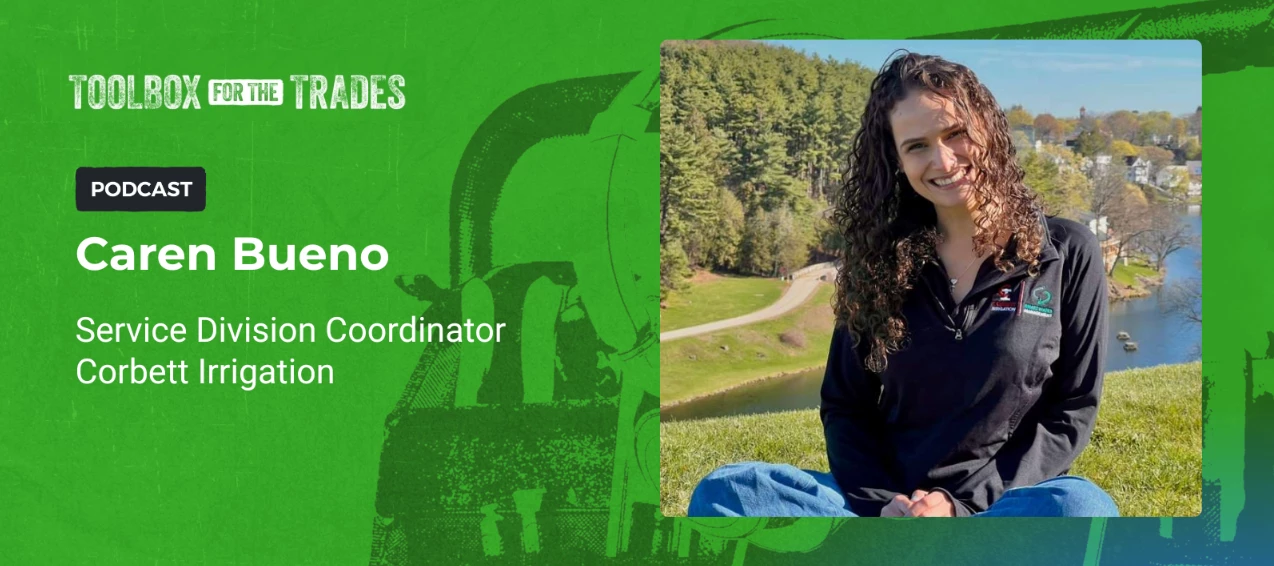
From frustration to fix: Caren Bueno's Green Gap story 🎙️ This week’s episode is an exciting one. We have a guest joining us who needs absolutely no introduction because she is already such a huge part of this community, @Caren Bueno. We’re moving beyond the usual chat to dive deep into how Caren got to where she is today. Imagine servicing an irrigation system installed 15 years ago with zero maps and zero records. Over the years, sheds are built, pools are added, and the original landmarks vanish. For the team at Corbett Irrigation, this meant technicians were arriving at sites with no starting point, turning every service call into a guessing game. Caren saw the toll this took on efficiency and decided that doing it the old way wasn't an option. When the existing platform didn't offer the geolocation tools they needed, Caren didn't wait for a fix she helped build it instead. By collaborating with our team to develop precision tracking, she eliminated the guesswork. Now: Techni
Which specific user permission allows a manager to view all crew routes in the mobile app?
Our pool operator asked if there is a way to create new categories within Property Issues outside of the ones currently listed. Is there an easy way to do this? I also would like to create new categories for Employee Incidents.
Elevate your game with Aspire to Greatness Escape the day-to-day chaos and sharpen your focus on what's driving your business forward! Aspire to Greatness is built for landscape professionals who want to level up their Aspire skills alongside peers facing the same challenges. This workshop is a great fit if you: Run a landscape-focused operation Bring in $2MM to $8MM in annual revenue Have been using Aspire for under 2 years Are onboarding new users or have power users still finding their footing Are eager to swap ideas with like-minded operators at a similar stage Consider yourself a beginner or intermediate Aspire user We're heading to Denver on June 9-10, 2026, and keeping the group small. We’re keeping it to 50 seats so every attendee gets real, hands-on takeaways and meaningful conversations. Don’t miss your chance to learn, connect and grow. Register today. 📎
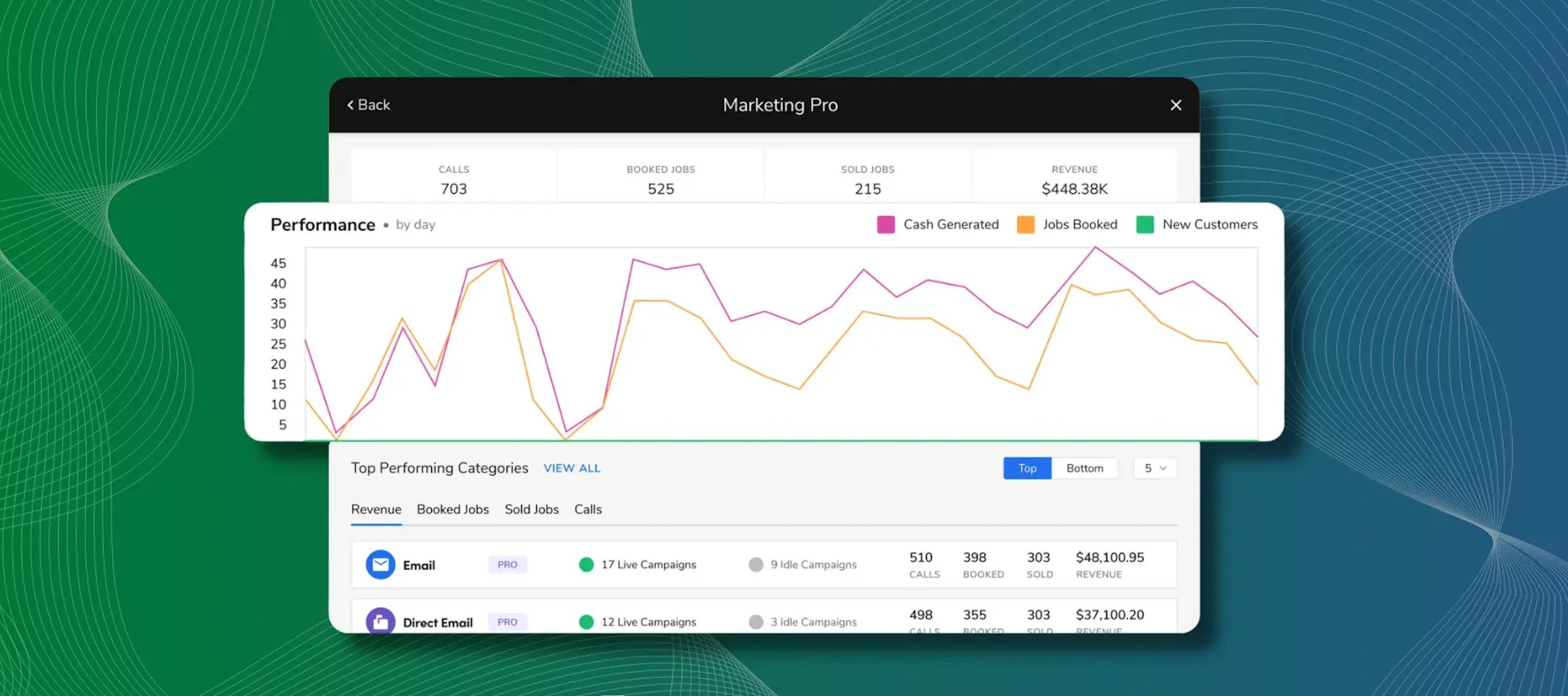
Schill's Marketing System: Real Numbers, Real Results Michael Palmer of Schill Grounds Management recently shared his blueprint for transforming inconsistent outreach into a high-revenue engine. By moving away from manual processes and leveraging Aspire’s Marketing Pro, Schill was able to influence nearly $200k in revenue from a single branch using just five targeted emails. Three lessons from Schill: Personalization is key: Schill shifted from generic company emails to messages that appear to come directly from the customer’s specific account manager. This human-first approach helped them achieve a 50% open rate (that’s double the industry average). Consistency wins the long game: Instead of sporadic outreach, they moved to a systematic schedule. The goal isn’t to get every customer to open every email, but to build a habit of engagement so that when a client is ready to buy, your brand is the first one they see. 👀 Master the "Call to Action": Schill proved that every touchpoin
Learn How to Get More Out of Every Conference on 5/14 Justin Mangold, founder of Mangold Horticulture, will share what a decade-plus of attending industry events has taught him. After studying at the University of Minnesota, Justin grew his company into a 60-person, award-winning landscape business and one of the most respected in the Twin Cities. He'll be joined by Amanda Salvatore (host of the Toolbox for the Trades podcast) and Sam Rankin, President of Yardline Pest Control and ETCH Outdoor Living. Building on last year's standout session, Plugging Profit Leaks: Mastermind Work Ticket Management, we're expanding this year's program with even more variety and fresh ways to learn. In that session, participants dove into the key tasks and approaches needed to boost accuracy and keep work ticket management running smoothly and efficiently. This year, we're taking it to the next level by offering a wider range of topics and new learning formats designed to fit your style. Haven’t regi
In the pivot tables, how do I get the header data to repeat on each row, so when it’s exported the data can be filtered in Excel?
I have an estimate with 8 different line items, but 2 of the line items are for the the same type of job which is retainer walls. On the estimating portion I have:Vegetable Box Retainer Wall Retainer WallWhen I go into work tickets only Vegetable Box Retainer Wall shows up. I need to record materials into the Retainer Wall work ticket, but it is not appearing. What should I do?
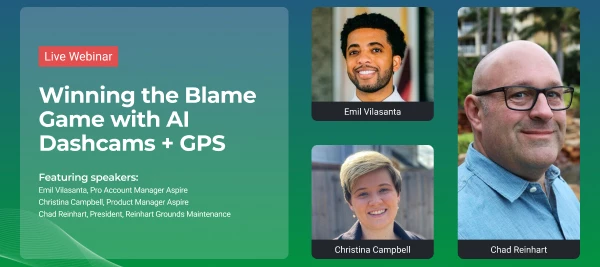
Winning the Blame Game with AI Dashcams + GPS Commercial fleet accidents cost employers an average of $70,000+ per incident, and false claims against drivers continue to drive up insurance premiums across the industry. Without video evidence, your liability exposure is significant and growing. We’re hosting a webinar featuring a candid panel discussion with the leadership team at Reinhart Landscaping and Snow. They’ll be sharing how the integration of Aspire + Azuga fundamentally transformed their operations. 🗓️ May 19, 2026⏰ 1:00 PM CST What you'll learn: How AI dashcams + GPS reduce liability exposure and protect against false claims The measurable ROI Reinhart has seen across their operations Key fleet metrics to track (and how to act on them) Practical implementation takeaways you can bring back to your own crews Prepare your questions for the webinar and save your seat through the link.
Hi All,Wanted to get some perspective on what kinds of Issues get different Priority levels assigned to them.For instance, the only example I could think of for a ‘Low’ Priority Issue was… the office running out of coffee.I imagine, for some, that it would be listed as ‘High’ Priority instead! What are some examples of different priorities you use for Issues, or methods that help determine what Priority Level each Issue gets?Thanks!
Hello- Is there a way that a crew member can be removed from the APP when time tracking? If a crew member has logged in on the leaders phone it is still there. My team then has an issue they want to hit start all (crew members) when they only have 1 of the members currently working with them?
The trades built this country but apprenticeships keep it going. Happy National Apprenticeship Week. 🙌 Good companies don't just grow, they give back. And one of the most powerful ways to do that is investing in the next generation through apprenticeships. As Tim Johnson puts it: companies that have been blessed with success have a responsibility to share it and to take care of people. This raises the standard of living for those who might not get the opportunity otherwise. That's exactly what apprenticeships do. At Aspire, we believe the trades matter. The people in them matter. And the future we build together matters. We’re proud to celebrate National Apprentice Week from April 26-May 2, 2026. Do you have any stories from your apprenticeship days? Let us know. 💬
Discover What's New in PropertyIntel We've tightened up the ProMaps workflow so you can go from property address to AI-driven data layers faster than ever. Streamlined Flow: Simplified data pack selections have moved to the first step, parcel boundaries are now auto-highlighted, and selected packs enable themselves automatically when the flow wraps up. Time-Matched Data: Change the capture date and your ProMaps data layers update to match — so you're always analyzing data that reflects the background you're looking at. Boundary Limit Indicator: Defining an area that's too large? The boundary line turns red in real time and a banner tells you exactly how to shrink it before submitting. Reliable Boundary Editing: Click the ProMaps boundary to select it, drag vertices to reshape, or hit delete to start fresh — just like any other polygon in the app. NEW — Bulk Convert Data Layers to Catalog ItemsTake the manual work out of turning ProMap data into your takeoff. Select multiple da
We have over 60 clients with very specific scheduling restrictions (e.g., Mondays only, Tuesdays before 9:00 AM, anytime between 9:00 AM–5:00 PM, anytime but email beforehand). We used to schedule in Google Sheets, which worked well because I could list each restriction as a note directly above the ticket.I know Aspire has a Property Restrictions tab, but we operate across multiple departments (Plant Health Care, Flower Gardens, and Property Care). The scheduling restrictions that apply to Plant Health Care don’t necessarily apply to Flower Gardens, so setting them at the property level isn’t ideal.Ideally, I’d love to see the scheduling restriction directly on the physical schedule board (not just in the ticket view). Is there a way to create a flag, tag, or note that’s visible at that level?
We have a Company Policy that all outgoing communication should come from a single email.We have 5 Aspire users who could potentially be sending out communications (Email Proposal, Email Invoice, Email Notifications, etc.). Q: Is there a way to have all outgoing (from aspire, regardless of user) emails come from (or at least appear to come from) a singular source? I feel like this policy is prohibiting a lot of functionality that Aspire provides. We have not been successful in asserting the policy should change.
We are trying to better budget for the Card Pointe Merchant fee's when clients pay by the Customer Portal. Night Light charges a 3% Processing Fee for Credit Card Payments. Card Pointe charges a 3.5% processing fee, but there are also other service charges and fee's. Is there a "rule of thumb" or recommendation on how to budget for these fee's?
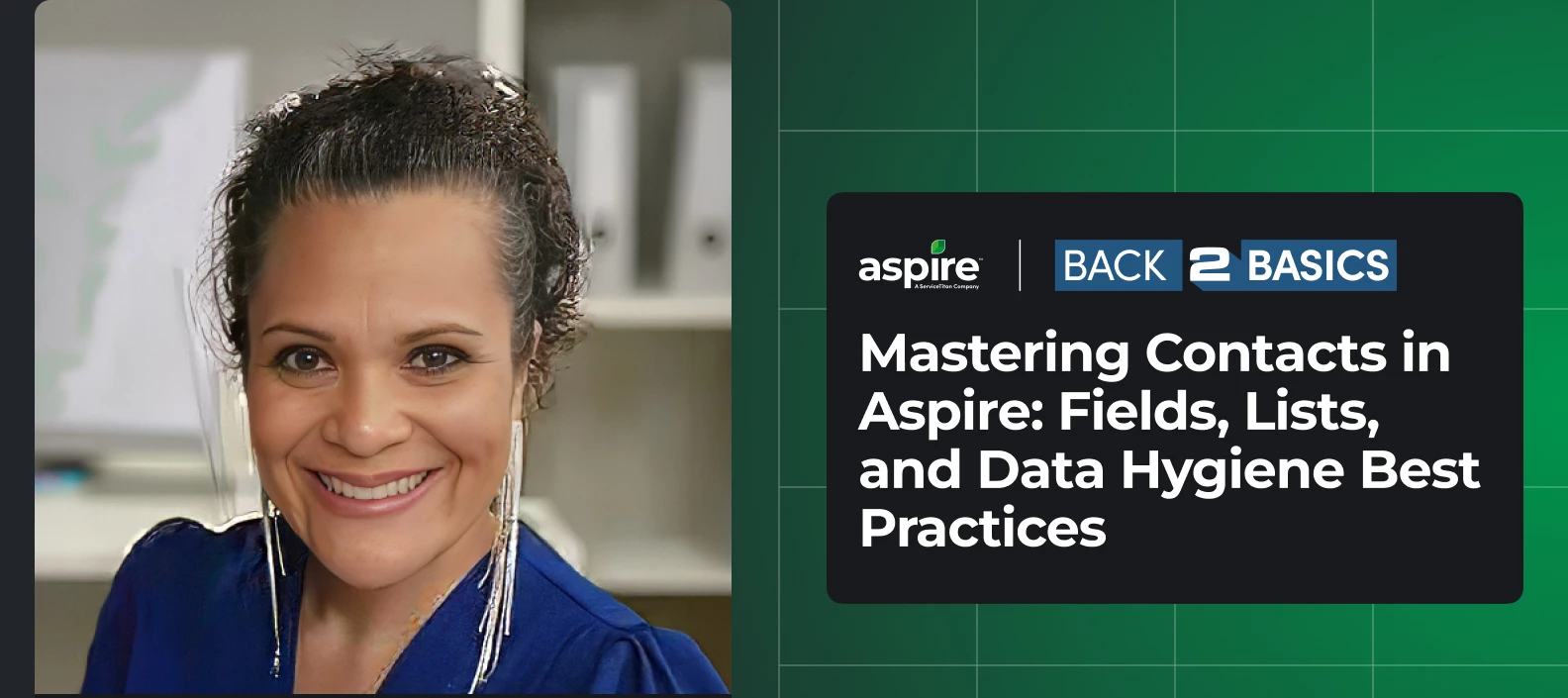
Is your contact data working for you, or against you? Join Eika on May 14th for our next Back 2 Basics webinar where we'll dive deep into everything you need to know about managing contacts in Aspire. In this session, you'll learn how to: Understand the essential contact fields in Aspire and how to use them effectively. Learn best practices for organizing and managing contact lists. Discover strategies to maintain accurate, clean, and up-to-date contact data. Gain tips for avoiding common data entry errors and duplicates. Improve efficiency in communication and outreach through better contact management. Whether you're new to Aspire or just looking to refresh your skills, this session is for you. Clean, accurate contact data is the foundation of great communication and outreach and we're here to help you get there. Register for our Back 2 Basics webinar through the link.
Hello!We’re a newly onboarded Aspire customer who previously used QB for all things. We’re trying to figure out how to treat electronic payments where there is a discounted amount, these are typically for the larger corporations where they discount the total paid monthly for “on time payments”, which reduces the total payment amount paid by the customer. Historically, we would add that discount into QBs and it would adjust the invoice. In Aspire, I’m not sure how to treat this. We can’t add this discount to the invoice before sending because then the customer would be paying 2x less by discounting an already discounted amount. My first thought is that we simply add the total amount paid minus the fee and our accountant needs to reconcile those separately at the end of each month balancing accordingly. But I’m open to hearing others ideas on how they’ve dealt with these operationally.
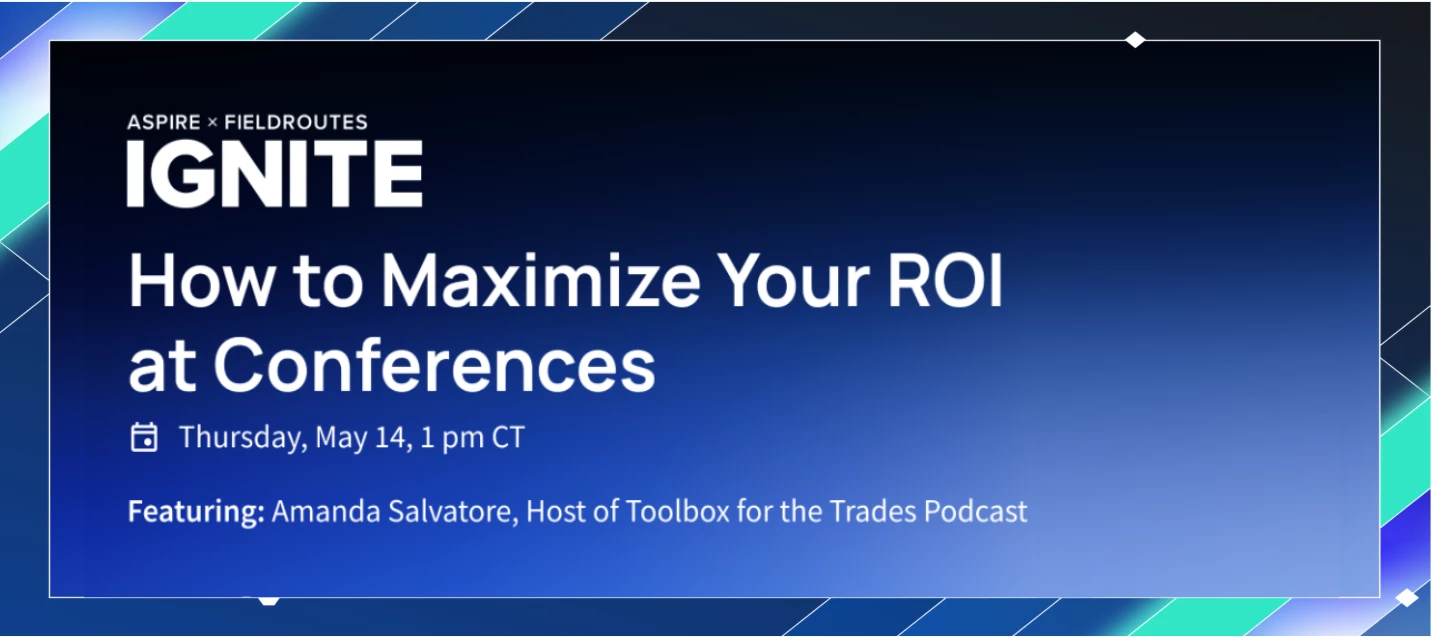
How to Maximize Your ROI at Conferences Those who get the most out of industry events like Ignite don't just wing it. They show up with a solid game plan. Join us May 14 at 1 pm CT as Amanda Salvatore hosts a conversation with Justin Mangold, President of Mangold Horticulture, and Sam Rankin, President of Yardline Pest Control, to talk through the strategies they use to make every conference pay off. You’ll hear how they prepare, make most of every moment on site, and turn the big ideas into real results when they get back to the office. Here’s what we’ll cover in the webinar: Walk in with a plan that prioritizes the right sessions On-site tactics that work Sharing and implementing what you’ve learned Real stories of specific results each panelist achieved Join us and learn how to make sure your Ignite investment pays off. [Link]
Sometimes my crew members add photos to the wrong work ticket. I’m able to add it later to the correct work ticket, but how do I delete/remove those photos from the wrong work ticket?
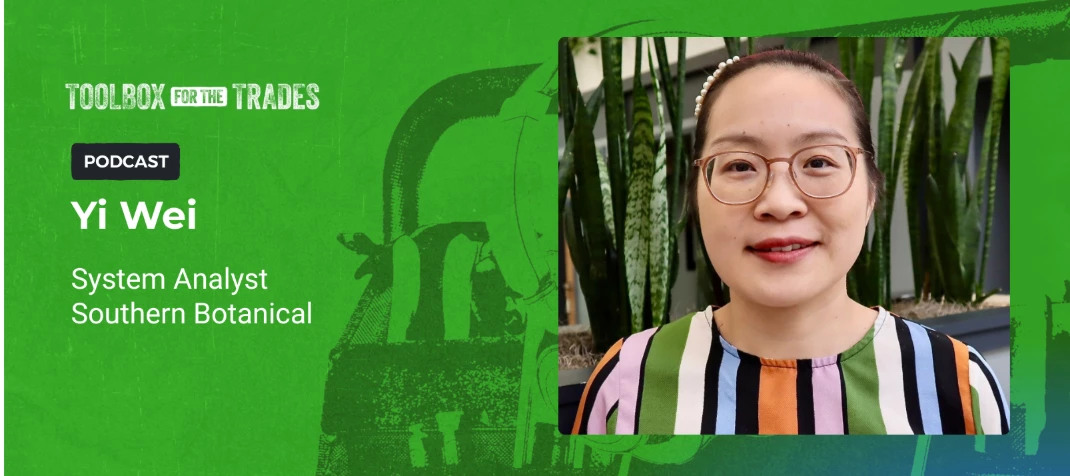
She’s a community icon, an ambassador, and our latest guest It’s Yi time! 🎙️💫 I’ve been counting down the days to share our newest Toolbox for the Trades: Aspire Edition episode with you. While Yi is a familiar face to us all here in the community after sharing her incredible product knowledge and tricks, we’re stepping away from the surface-level chat to really explore her roots. We’re going behind the scenes to uncover the hustle and the heart behind Yi’s path to the top and why she defines herself as the cardiologist of operations at Southern Botanical. She discusses Southern Botanical’s strategic shift toward maintenance and her success in aligning their business goals with their software capabilities. By implementing 30 key metrics and gate check safeguards, Yi demonstrates how to turn raw data into a shield against financial error. It’s a true masterclass in proactive leadership and operational due diligence. Tune in here to see why Yi equates operational systems analysis to
Do sub auto expenses get triggered when a visit is complete or when the ticket is complete?
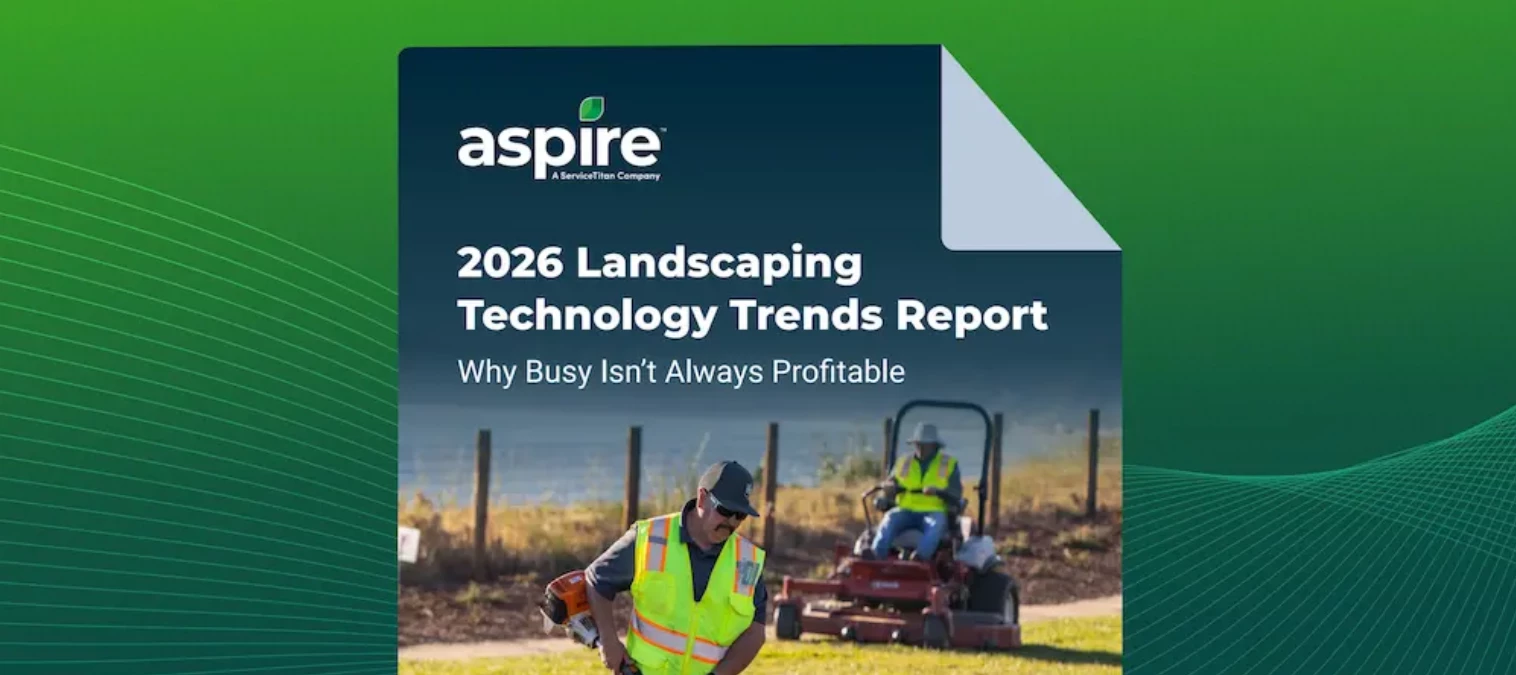
More accounts doesn’t always mean more profit Our new Landscaping Technology Trends Report breaks down what is driving real success in 2026, and what the most profitable contractors are doing differently this year. For years, the formula for growth was straightforward: More accounts. More jobs. More revenue. It worked for a while, but the landscape contractors pulling ahead in 2026 have moved on. Margin growth through efficiency is the new blueprint. The data backs them up. 61% of Aspire users cite labor efficiency improvements as a top profit driver this year. Not revenue growth. Not new account wins. Labor efficiency. Download the 2026 Landscaping Technology Trends Report here. 📎
We are bringing a new company onboard and want them to start by learning time entry first, but don’t want to track their costs in our Aspire yet. Does anyone have experience with this? My plan is to set each of their employees in a new branch with 0.00 pay rate until we have a chance to upload properties, contacts, opportunities, etc. Has this worked for anyone or are there other suggestions?Thanks!
Already have an account? Login
No account yet? Create an account
Enter your E-mail address. We'll send you an e-mail with instructions to reset your password.