




















Submit a Nominee for the Prometheus Award at Ignite
Learn and Share
Recently active
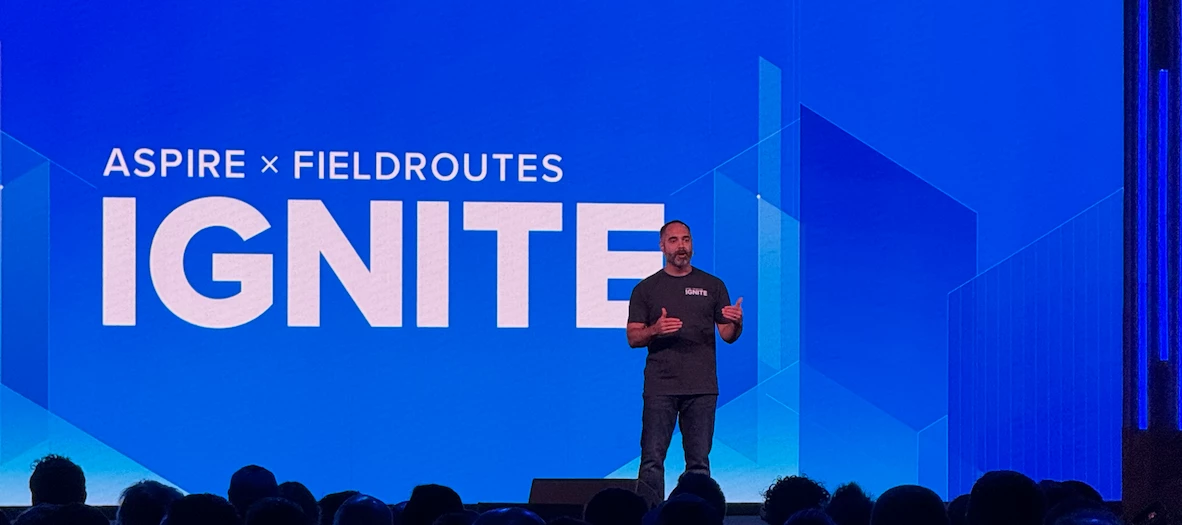
What You'll Gain, Who You'll Meet at Ignite This year’s Ignite is going to be one of the most talked about events of the year. You can hear why at our highly anticipated webinar, What’s the Big Deal About Ignite? on Wednesday, August 13, at 11 AM CT. Join us and get an exclusive sneak peek at what’s new for Ignite ‘25, including can’t-miss sessions, key agenda highlights, and a live Q&A to help you plan your experience. The best part? One lucky attendee will win a FREE*, all-access pass to Ignite ‘25. 📎 Save your spot and register for the webinar here. [Link]
Pertaining to Documents that are attached to work tickets. We use the documents tab for site maps. There are some documents that are suppose to be deleted in our software but they still show up in the crew mobile app. Any suggestions on how to permanently remove documents and not have them still show up on the crew mobile app?
Top 5 Reasons to Join Aspire Academy Companies who invest time in Aspire Academy tend to have a higher customer health scorecard. That means they get more value, achieve better results, and stay ahead in the industry. 💡 Promote self-paced and on-demand learning within your organization Reduce training time with new hires- they can get up to speed quicker Academy supports engaged learning experiences such as quizzes and interactive modules Interactive content improves long-term knowledge retention Helps identify areas where employees or teams need further development Which topic should we feature in an upcoming course? Share your thoughts.
Two of my coworkers have been having a problem with Aspire having this error where it redirects them to a red screen that says “Error, Something Went Wrong”. There’s an option to go back to Aspire, but when they try to do it again, the same error pops up. It’s been very pervasive, continuing to show errors when they switch browsers or log out and back in again. It’s affected multiple parts of Aspire (invoicing, opportunities, etc.).The error page has popped up for me a couple times, but never this bad. Have any of you seen this? How did you fix it? (I suggested they restart their computers, but I’m not 100% sure that’ll work.)
Stay Ahead of the Curve The commercial landscape industry is facing new challenges, from rising costs and labor shortages to economic uncertainty. To stay ahead, landscape professionals are doubling down on operational efficiency, client retention, and smarter technology. This report is packed with crucial insights and trends that will help you navigate the year ahead and position your business for success. Explore the latest industry insights, including: Predictions and priorities shaping the year ahead The biggest risks to revenue in 2026 How labor challenges are reshaping compensation strategies Why contractors are consolidating their tech stack What top-performing companies are doing differently 📊 Download the 2026 Commercial Landscape Industry Report here.
This summer is flying by, and it sure is a hot one! Keep your customers’ properties—and your hard work on-site—looking fresh and hydrated with new irrigation systems. With PropertyIntel, creating simple irrigation layouts or zone maps is quick and easy. In this month’s PropertyIntel Power Up, product manager Joshua Martin demonstrates how to create a basic irrigation layout. As an added bonus for our Aspire users, he shows how to launch from the Aspire estimate and sync the data automatically to seamlessly generate a finalized estimate. Don’t have a PropertyIntel account? Create your free trial at aspirepropertyintel.com.
How can I see changes made to contacts ay rates?
How do I make equipment available to schedule?
There is a Percentage bar in the Today tab on Aspire mobile. It is located above any work tickets that are scheduled for the day. I am wondering what exactly this percentage represents.
We are currently spending more time than we would like “fixing” our time entries. We are a full service company and have a lot of employees in our mowing department. When we have call ins and shuffle people around this also creates a nightmare for the person doing our time entries. Has anyone ran into this and found a solution to prevent the major time suck this is? Thanks
Last chance to nominate your team for a customer award Time is almost up. The July 25 deadline for award nominations is nearly here. Don’t let your team miss their chance to get the recognition they deserve. Winners will be announced at Ignite ‘25 in Anaheim, CA, and will receive a FREE ticket to next year’s event. Nominate your team today and celebrate their success at Ignite. 🏆 Nominate your team now through the link.
American Sycamore is now live in Aspire 🌳 Here’s a quick glimpse of what’s included: Improved scheduling accuracy with real-time alerts Enhanced search + hourly dashboard refresh Visit note insights directly from the Work Ticket Report A few features in this release are available as part of an Early Access program. You can request to be considered by filling out the short form. Please note: participation is limited and submitting the form does not guarantee access. Early Access: Route & property-based schedule views Early Access: Translated comments based on user language preferences for web and mobile users Early Access: New mobile experience for subcontractors Additional release materials, including a blog post and feature highlight video, will be available in August when all features included in this release become generally available. Sign up for American Sycamore Early Access Testing here.
We switched from Crew Mobile to Mobile last week and now every time a crew member submits an issue it puts the assigned contact as them and the ops manager. In crew mobile it was just the ops manager who then assigns them to the applicable person. Not a huge deal but an extra step having to delete the crew member on every issue. Is there a way to keep it from assigning to the person who submitted it?
We are trying to find a solution to ensure Site Audits are being completed and in a timely manner and to ensure properties aren’t skipped. Essentially we are trying to find a way to have 20 SAs per property open/available to complete at the start of each season. Then those would be completed over time and if they are still open we know where we are falling short.Is there a way to bulk create Site Audits which would be completed at a later date? Has anyone achieve the result in a different way? We have built a list that shows last SA date to create a list of properties missing a site audit within a reasonable timeframe.Any other tips/tricks/helpful reports/lists?
Hello, We noticed that when using Aspire Mobile, the persons performing time entry and categorizing issues see that the crew leader is assigned to the issue and not the account owner or route manager. It has to be dealt with but it is more clicks as the crew leader may not be the same one going back to handle the issue
How to Fix Your Workforce Funnel We’ve heard you’ve been enjoying the ToolBox for the Trades, Landscape Edition so we’re back with another episode we’re very excited about. This time, we sit down with Carlos, co-founder of Team Engine, to uncover the root causes behind companies struggling to build dependable teams in the trades. Drawing from his background as an Army officer and entrepreneur, Carlos offers actionable advice to improve recruitment, decrease turnover, and foster a stronger workforce. 🎧 Listen in on the episode through the link.
Is anyone experiencing inaccurate sales tax calculations in their opportunities? Whether it be Work Order or Contracts. For example, I have a contract bid for $61,381.08 (before taxes). We live in Texas so the taxes should be 8.25%, resulting in $5063.94 in taxes. However, Aspire is calculating taxes to be at $5063.88. Missing 6 pennies. Curious to know if anyone has ran into this issue. We ensured everything is correctly taxed also in the administration settings.
We have crew leaders who are unable to download the new Aspire Mobile. Both of them have 15 yo phones. Is this a common issue or specific to us? What’s the work around?
Celebrating One Year of Community It's been a year since Aspire launched its very own online community and we are ready to celebrate. This community has become a place where Aspire users from all over the US can connect, share knowledge, and maybe even share a laugh. It's like having a whole team of experts in your back pocket, ready to help you tackle any challenge that comes your way. And after a year of building relationships, sharing insights, and maybe even a little friendly competition, we're pretty proud of what we've accomplished. So let's raise a glass to Aspire Together and all the amazing members who make it such a special place. Our PurposeThe past year has provided us with a profound understanding of the support and resources essential for your success, and how consistently you prioritize your customers and peers. From sharing the latest trends in the industry to comparing notes on the best way to deal with a tricky customer, this community is where the real connections
Field staff and Aspire Community members have flagged a consistent issue: Android devices are significantly slower than iPhones when using Aspire Mobile - despite having the same software, tickets, and WiFi.✅ I’ve confirmed all devices and Aspire Mobile apps are updated to the latest version✅ I’ve tested it myself - iPhone loads instantly, Android lags noticeably✅ Other companies are seeing the same thingThis might point to a problem within the app itself, not just signal or connectivity.With Crew Mobile sunsetting in November, now’s the time to act.Please upvote if this impacts your team too - let’s get this on the product team’s radar! https://feedback.youraspire.com/ideas/WAP-I-6871
Are you able to make a payment and tie it to an invoice that is part of an inactive branch?
An Accounting Worshop to Provide Valuable Insights Join us July 22–23 at Aspire’s Chesterfield, MO office for expert-led training focused on SAAS invoiced revenue and end-of-month close. This intimate workshop includes hands-on instruction and personalized support—limited to just 20 participants. 📅 July 22–23, 2025📍 Aspire Software, Chesterfield, MO 💻 Focus: SAAS Invoiced Revenue 💸 Cost: $1,875 📎 Reserve your spot today- space is limited!
Hello everyone,Reaching out to the collective intelligence with a question. I have been asked if there is a way to keep track of newly created contacts and if they ever make it to the estimate stage, if that estimate is won, and if a job is completed for them. Essentially we would like to see what percentage of contacts become customers.I will admit I’m fairly new to Aspire, but is there any way to go about doing this?
Come join our Marketing Pro Office Hours This is your chance to get expert advice, ask all your burning questions about Marketing Pro, and learn new strategies to help your business thrive. Tuesday, July 12th at 12 PM CST This is your chance to: Get answers to your specific Marketing Pro questions Learn best practices and expert strategies to boost your campaigns Connect with other users and share real-world insights 📎 Click here to sign up for office hours.
We were throwing around Ideas that could simplify the invoicing, payment, client portal process. Is it possible to include an additional link in the body of the email that gets sent to clients when their invoices are sent to them. Is it possible to include a link to “create a client portal account” to add to our email so each client who does not have an account doesn’t have to call or email our office to then have a separate email sent to them to create their account? Or like I saw in another topic someone suggested a qr code a client can scan to create a client portal account. Essentially, I would like to be able to have a client who already has an account to have a link that directs them to the portal to pay and then for all clients who do not have an account to have a link that directs them to create a portal account. Is this already a possibility or is this a wish list item?
Already have an account? Login
No account yet? Create an account
Enter your E-mail address. We'll send you an e-mail with instructions to reset your password.