

















Learn and Share
Recently active
Celebrating our 2025 Aspire Impact of the Year 🎉 For 15 years, Paul Hansen has been a driving force for innovation at SouthWest Landscape, Inc., while simultaneously elevating industry standards through his leadership at the California Landscape Contractors Association (CLCA). His guidance has been crucial in advancing statewide initiatives for workforce development and sustainable landscape practices, significantly shaping California's green industry. Furthermore, he is a prominent advocate for water conservation, highlighting the essential role landscape professionals play in promoting sustainable water management and drought-resilient design throughout the state. We also want to acknowledge the remarkable contributions of our finalists, The Team at Landscapes by DJ and Kevin Hunt of Shinto Landscaping, for the positive impact they've made in their communities. 🏆 Check out the full highlights from our winners and nominees on our blog.
Another ‘best practice’ question…Where can we enter notes related to scheduling work for an Opportunity/Contract.We’re entering renewals of contracts, but this is relevant for new contracts as well.For example, if a customer signs a contract but wants to be called before we show up (i.e. “Call First” in our previous system), where can we note this at the Opportunity level (it might not apply to all contracted work at the Property. For example, irrigation work might be a ‘call first’, but mowing might not be a ‘call first’, or vice versa)?We need the notes to be shown when scheduling so we can better bring value to our customers.
I’d like to print the printed date on a Contract and can’t find how to.Anyone know?
Hi! Just checking in if anyone out in the aspire sphere has access or is everyone in the same bucket with no access? What are some steps you guys are taking to curb fall out from this?Time Reporting?Work Ticket Reporting?
Anyone else having issues getting Aspire desktop to load this morning? All other sites appear to be working normally for us...
We began using the Customer Portal 2.0 in March of 2025. With a a few hiccups, most of our customers are successfully using the portal now in May!The only persistent issue is that our customers can’t use the portal in Safari. The portal will let you log in, but loses all other functionality. I have had success using the portal’s features in every other browser I’ve tried (Chrome, Edge, Firefox), but for some reason it does not play nice with Safari.Has anyone else experienced this? Is there a plan to have it be compatible in the future?
We are trying to open the month of August (and have tried all other months in 2025 too), and the system will not update he close date no matter what we pick. The confirm message “There are still open invoices in that month or before. Are you sure you want to Close that Month?” pops up as normal, but when you click ‘confirm’, it takes you back to the close month pop-up rather than closing the month. The green save button changes for a split second to ‘Saving’, but then immediately goes back to the way it was before pressing ‘Save’.Has anyone else experienced this before? Any advice or direction would be appreciated!
Is there a report I can create for a single property that shows not only their invoice history, but when those payments were received? I have a chronically late property that is trying to dispute paying late fees -I was hoping for something kind of like a statement or even a downloadable excel sheet where it shows Invoice date, invoice number, property name, (opportunity name etc would be awesome here too) Amount, due date, date paid so they could see how many times they have paid invoices late where we have not assessed late fees?
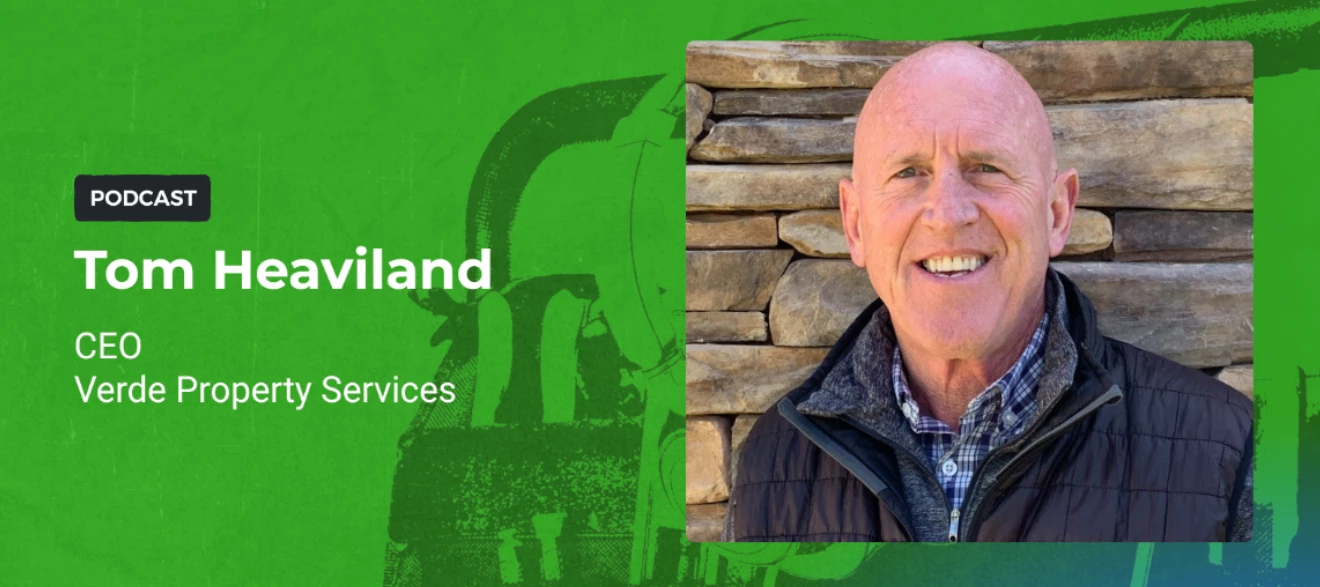
Fresh episode out of Toolbox for the Trades is Here In this one, we sit down with Tom Heaviland, former owner of a family landscaping business, now CEO of Verde Property Services. He shares his journey through selling a company, what buyers look for during acquisitions, and how to set your business up for a strong exit. What you’ll hear: Tom’s experience going from owner to seller Key metrics and traits buyers value Managing the emotions in a sale The role of tech and operations in valuation Why culture and people always matter first Interested in this Episode? Listen here. 🎧
Asking about best practice here…How can I flag no work or work stoppage at a Property, for a Customer, for a specific Opportunity...or all three?Tags?
Winter is coming ☃️ Prepare your business for snow season with insights from our newest blog post. Our Removal Prep Checklist (10 Things You Have to Do Before Snow Season Starts) for essential tips and best practices will help you stay ahead of the winter rush. What’s your go-to strategy when the first snow hits? Let us know! ❄️
Hi all, I recently switched our company over to portal 2.0 as I feel it will better serve us rather than 1.0 but in what section can I adjust so that invoices as they are created do not have to be automatically uploaded to the portal. I do not want all invoices going to the portal only certain ones. How can I do this??
The Email address of the Email Contact for a Property cannot be outputted to Web Report Designer.(BillingContactEmail and PrimaryContactEmail are available.)
I'm looking to connect with clients who are getting significant value out of the Opportunities List to manage their sales pipeline.Specifically, I'm hoping to find someone who uses the list view to get a quick, comprehensive overview of their entire sales process, including: Where things stand: The current probability and next steps for all opportunities. Historical context: What the last completed Activity was for each opportunity. Forward planning: What the next scheduled Activity is, including the date and brief description. The screenshot you see is an example (from a test system) of using the Activities columns to bring that context into the list: If you or someone on your team has a robust and insightful Opportunities List—especially one that effectively utilizes the Activities data for pipeline management—I'd genuinely love to connect and pick your brain about your success.
Does anyone have any helpful advise on how to eliminate white space on a report designed with Web Report Designer?In other words, have you identified any likly culprits in the report formatting that can be adjusted to fix too much white space or white space in the wrong place?Thanks.
We have an Opportunity Template for which we needed to change the minimum price for a service item. We set/changed the minimum price in the Opportunity Template but if we create a new Opportunity and apply the updated Opportunity Template, the service item price still uses the “old/original” minimum price, even though the Opportunity Template shows the updated minimum price.!!Anyone have any ideas what is happening here? I think it’s a bug.
Hi everyone,I am Caren from Corbett Irrigation in Massachusetts. I coordinate our irrigation service division handling our scheduling process, communication, and client updates throughout the season.Like many of you, we have found ways to make Aspire fit our workflow, even if it means getting creative. For example, when sending bulk appointment emails, we tag tickets with things like # AM OFFER, # MID OFFER, or # PM OFFER to group visits by time window. We currently use the time-based schedule because our clients need to know expected arrival times to confirm their appointments. It works, but it is very manual.I know Aspire has excellent guides and I have learned a lot from them, but sometimes it just feels helpful to brainstorm with others who use it every day, to hear how you handle similar obstacles and what creative approaches you’ve found.I understand that many of Aspire’s clients come from the landscape world, but those of us on the irrigation side are working hard to make it hap
In the Aspire opportunity proposal descriptions, and in emails the text changes size when I delete text and type. Whenever I delete a block of text, the font resizes to 8 pt which I can barely read. But it’s inconvenient to resize over and over so I just live with tiny font until the documents are finished, or resize regularly. So, I’m selecting all and setting the font size constantly if I want to be able to read the text. What is that, and what can I do please?
Images inserted in to opportunity proposal descriptions resize in ways that are difficult to control and cause corrections. When I resize images from the top right and move the cursor off of the images, they will not resize the same way again. Thereafter, the top right corner only makes images smaller, and the bottom right corner makes them larger. Then, if I move my cursor off of the images and the toolbar shows up, the pictures will resize wildly, becoming stretched. With no page breaks in the tools, or code editor I have to resize images a lot to get the PDFs to print right. What is that, and how can I fix it please?
Marketing Pro Just Got Better Aspire Marketing Pro is expanding to include text message campaigns helping you reach customers faster, improve response rates, and drive even greater ROI from your marketing efforts. This will allow you to create and track email, direct mail, and text message campaigns side by side for a streamlined experience. Fill out this form to get a sneak peek! 👀
We already created a PR and want to go back in and edit the items to reflect the correct quantity and cost. Is that possible?
We are finally bringing irrigation in house and i have most of it figured out except the irrigation service call/repair part. How is everyone creating work tickets in aspire? i dont want to have to create a ticket and get it approved in the office and then do the work. rather - we do have a service call ticket that the tech can use in the field, or create in the field and add materials, time and notes to the ticket. T&M? in theory this is great but how do we do a trip charge and have it include the first 30, 45 min 1hr etc free? any thoughts or imput would be great
Will edited service item descriptions carry over to a renewed opportunity?
Your Conference Recordings Are Here We're glad to let you know that the Ignite 2025 recordings are now available for you to watch, learn, and review at your leisure. Whether you want to catch up on a session you missed, deep-dive into a presentation you really liked, or share insights with your team, all the content is ready for you. Highlights include: Aspire Product Roadmap Intelligent Scheduling & Employee Management Aspire for Construction: From Bid to Build We hope you enjoy revisiting the content and continuing your learning journey. 📹 Find the recordings here.
HI last year Aspire posted slide decks, the roadmap, and other items from the ignite conference. Will this happen again in the next few weeks?
Already have an account? Login
No account yet? Create an account
Enter your E-mail address. We'll send you an e-mail with instructions to reset your password.