

High-Impact New Features are Here
Our latest update introduces advanced drawing tools built to provide total precision and effortless control for every takeoff.
Measurements at a Glance
Toggle on Length Labels to see exact segment dimensions displayed directly on your canvas — no need to click into the properties panel.
Precise Placement
Set an exact length before you draw, or click any label on the canvas to type in a new value. Lines adjust instantly to match.
Mirror & Flip in Seconds
Select any drawing or group of drawings and flip it horizontally or vertically — perfect for symmetrical layouts without redrawing from scratch.
One-Click Perimeter Tracing
Activate Dynamic Trace, click any existing shape's boundary, and a length measurement is automatically generated to match the full perimeter.
See Before You Place
A live silhouette preview follows your cursor during object placement so you can see exactly where materials will land before you commit.
Group Mode for Objects
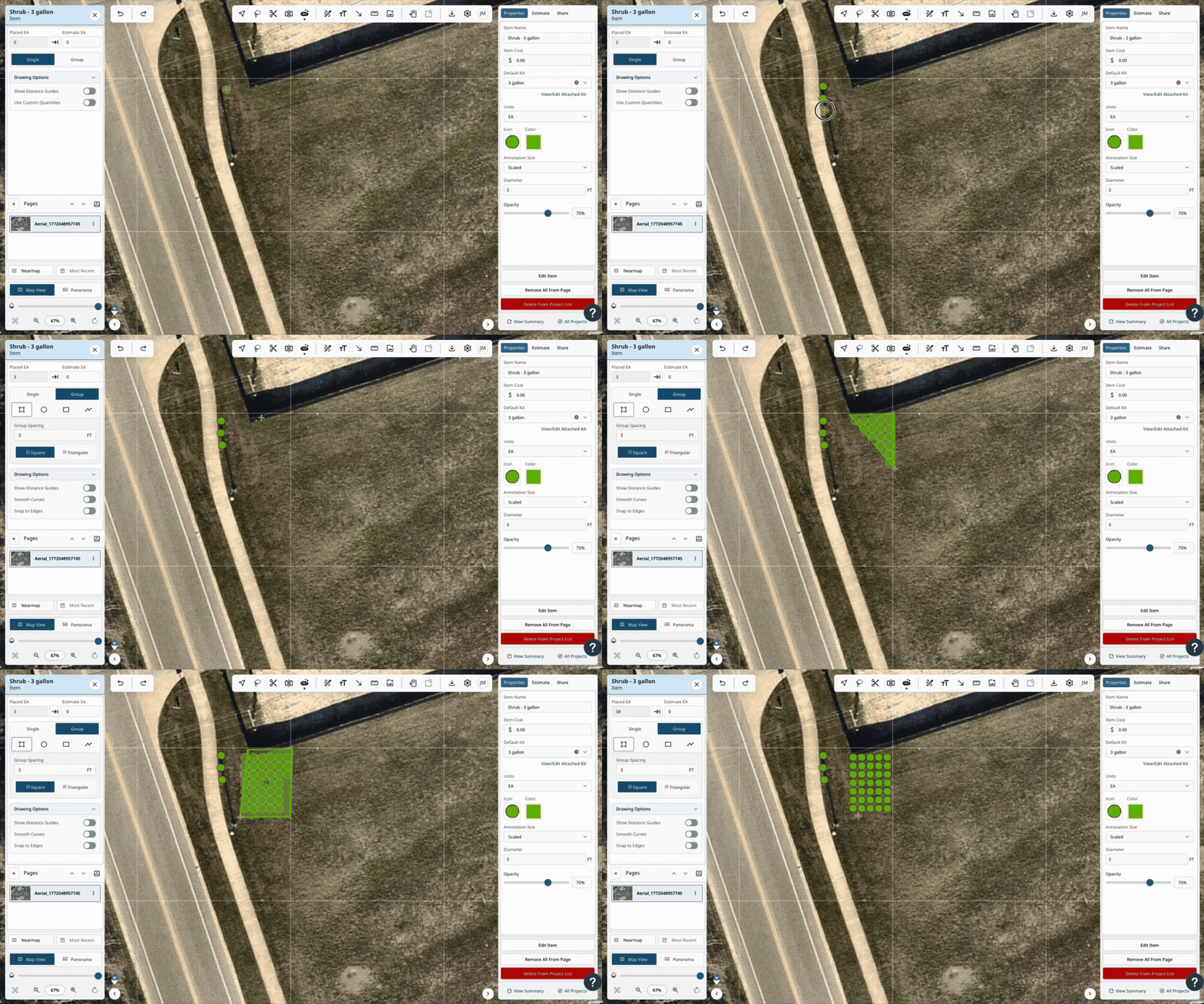
Draw a polygon, circle, or rectangle to automatically fill the area with objects at your defined spacing. Choose between square or triangular distribution patterns for precise object counts every time.
NEW — Expanded ProMaps AI Data Packs
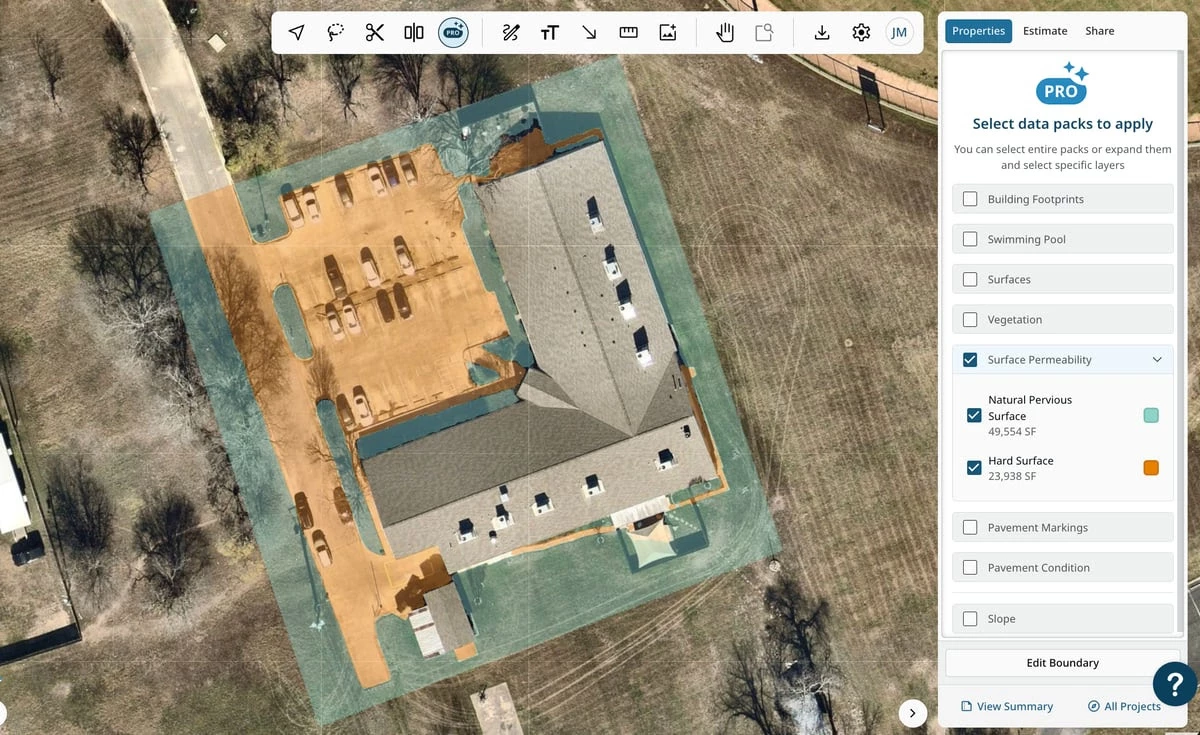
Three new AI data packs are now available in your ProMaps library: Surface Permeability, Pavement Markings, and Pavement Condition. Select any pack within the standard ProMaps workflow and convert directly into catalog items for more specialized site analysis and takeoffs.