Question

Printing Customer Payment Receipt

  • February 20, 2026
  • 3 replies
  • 0 views

Forum|alt.badge.img+4
  • Participating Frequently

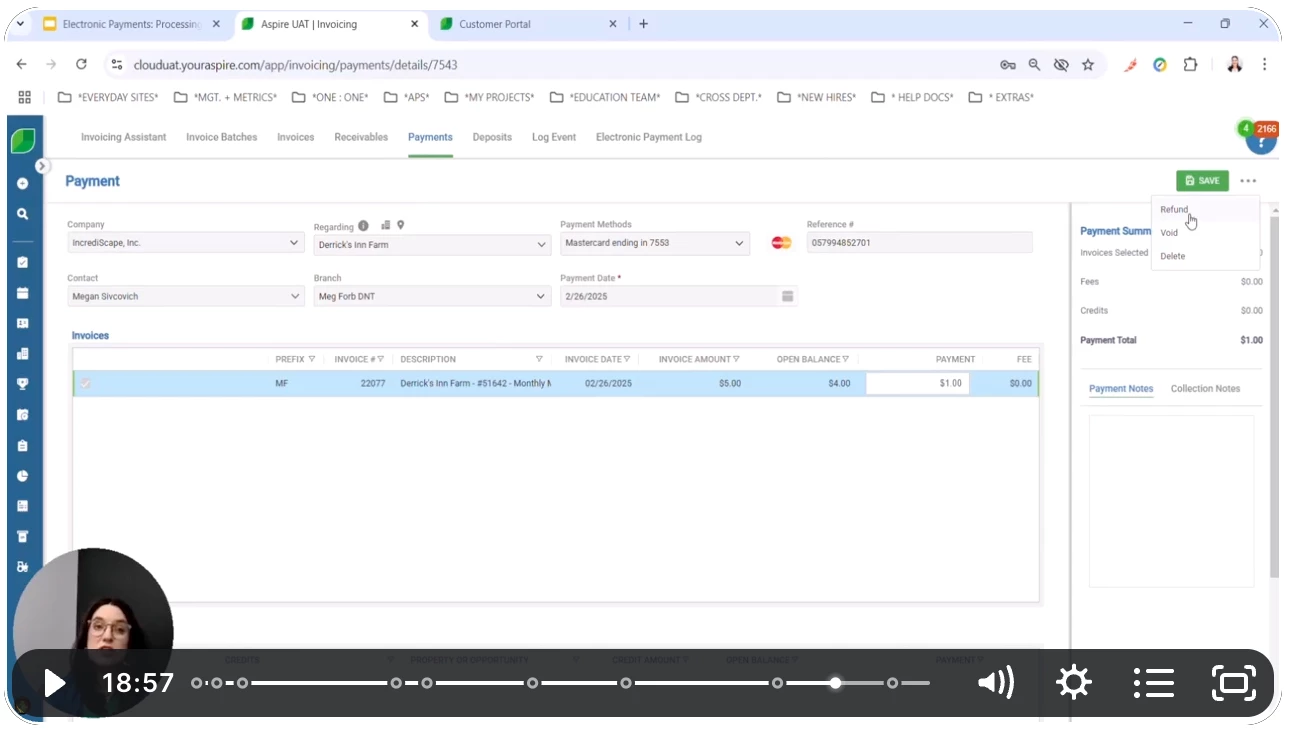
How do you print a receipt after a customer has made a payment? We’ve tried the knowledge base, which tells us to click on the payment, go to the three dots, and select print, but there is no print. We have Refund, Void, or Delete. Surely there is a way??

3 replies

baraica
Community Manager
Forum|alt.badge.img+28
  • Community Manager
  • February 20, 2026

Hello ​@LTarr, I confirmed with our team that you cannot print payments. I’m also not seeing it in this article


baraica
Community Manager
Forum|alt.badge.img+28
  • Community Manager
  • February 20, 2026

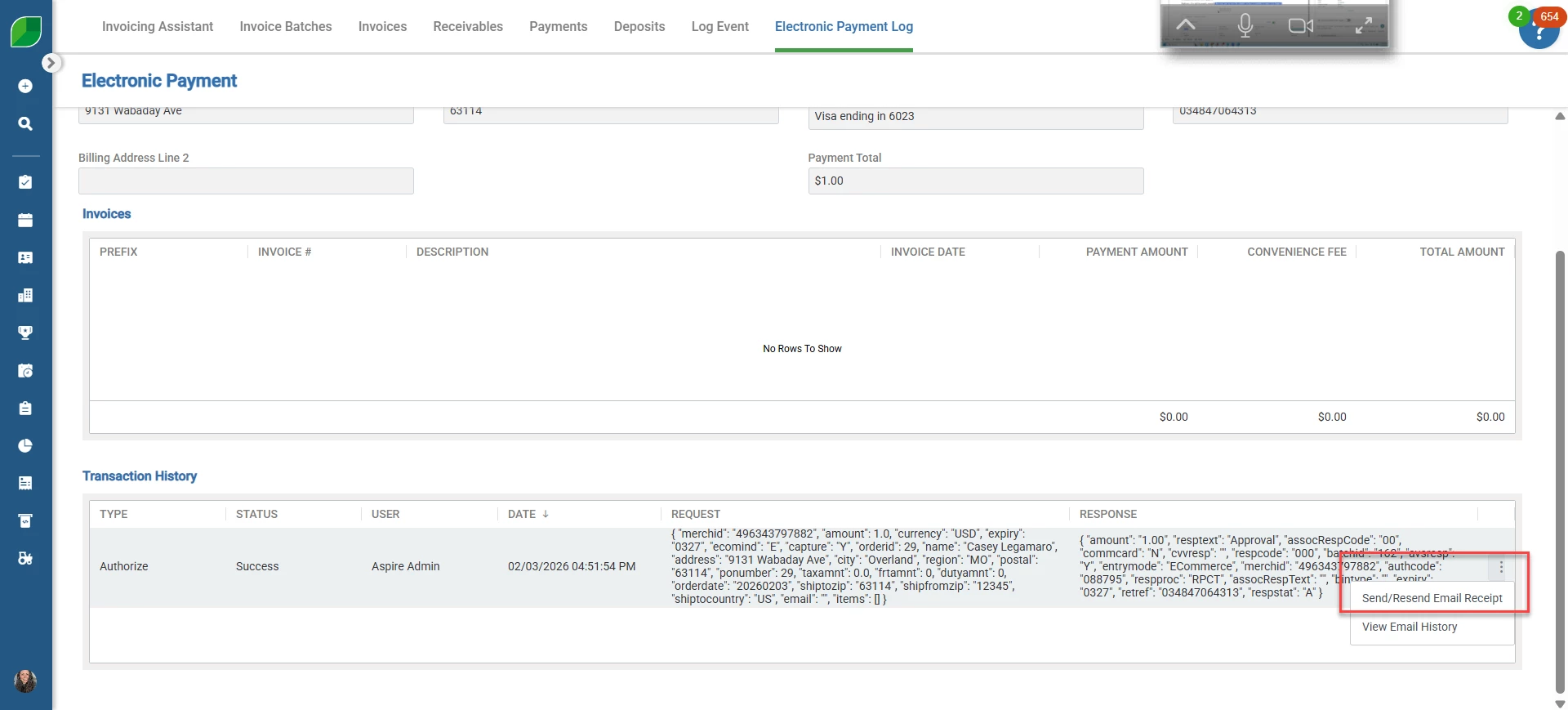
If you go into the electronic payment log and select a payment from there, then scroll down to Transaction History, you can email an electronic payment receipt. 


Forum|alt.badge.img+4
  • Author
  • Participating Frequently
  • February 20, 2026

If you go into the electronic payment log and select a payment from there, then scroll down to Transaction History, you can email an electronic payment receipt. 


Unfortunately, the customer only wants it printed and mailed to him. We have several that way.