Question

Follow up on Estimates sent

  • May 19, 2026
  • 1 reply
  • 17 views

Forum|alt.badge.img+3

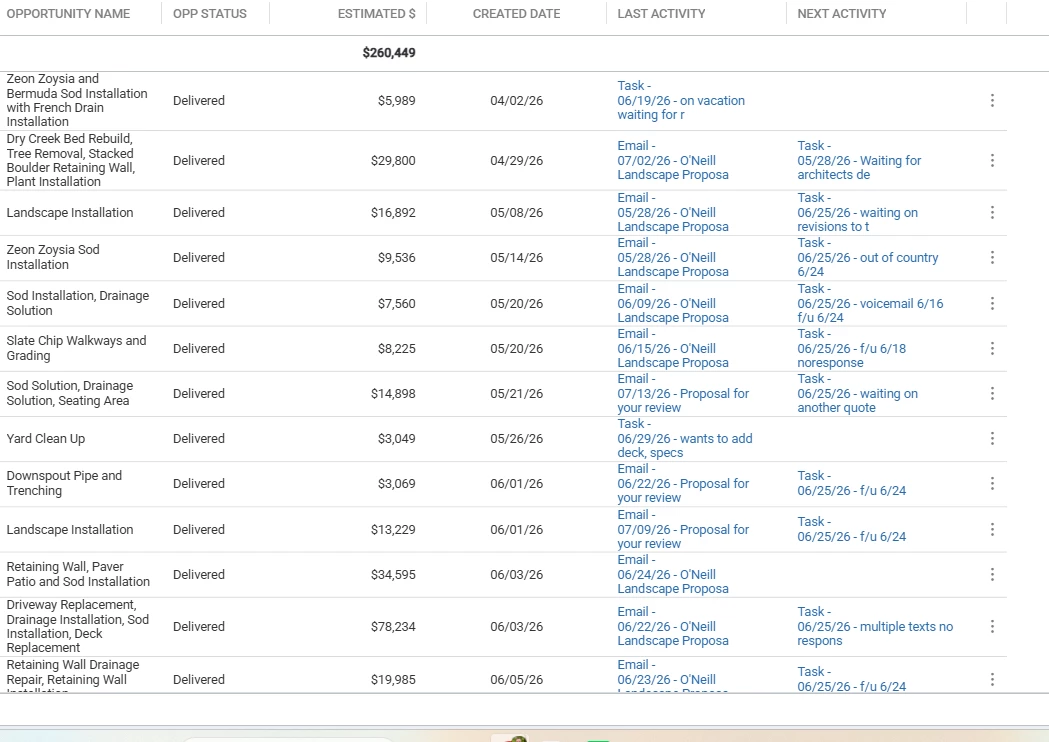
Hello all!  I would like to know what other users do to follow up on quotes that have been sent to the customer.  Is there a compatible sales app for note taking that would make it easier for property communication.

For example, we use Issues for quote requests...once the quote is sent, the issue is completed.  After that...I feel there is not a good way in Aspire to make notes about the customer approving it.

Items like what days they want it scheduled, parking permits required or approved, ...just information that needs to be documented on the quote before it is scheduled or about scheduling.   

 

1 reply

Forum|alt.badge.img+9
  • Inspiring
  • May 19, 2026

We use a similar system to document quote requests/new leads using Issues, and once the quote is sent off to the customer for review, it gets completed by the sales person. When the Opportunity gets signed/approved by the customer, the Salesperson makes a new Issue after they Win the Opportunity and assigns it to the relevant manager in the Operations department as part of the “Job handoff” process. The issue has all attachments/drawings/maps/etc relevant to the project, and the sales person fills out a short templated form they just copy and paste into the body of the issue answering important questions like anticipated timeframe for commencement/completion discussed with the customer, specialty items needing purchased or specific pricing that they sourced themselves, any unusual invoicing set ups, and any important other details that were discussed with the customer that the Operations team will need to know as they prepare to do the work. We also do an in person hand off meeting guided by these Issues each week where Operations and Sales can discuss any questions and clarify any details they need to about the projects Won that past week. Then Operations takes those details and starts the process of projecting out the schedule and procuring materials, and once the project actually gets put on the schedule, Operations closes that issue. It does mean we have a lot of Open Issues in our system, but we use Categories like “New Sales Lead”, “New Work Order Sold”, and “New Contract Sold” to help organize them. It’s also nice that these Issues are connected to the Opportunities themselves, so we can refer back to them if we need to in the future and easily find them. It’s a system we’re still getting adjusted too as well and it doesn’t work perfectly every time, but the more consistent we get with it, the better it seems to get.