Question

Expose Service Description to Crews

  • August 13, 2026
  • 6 replies
  • 33 views

Forum|alt.badge.img+7
  • Participating Frequently

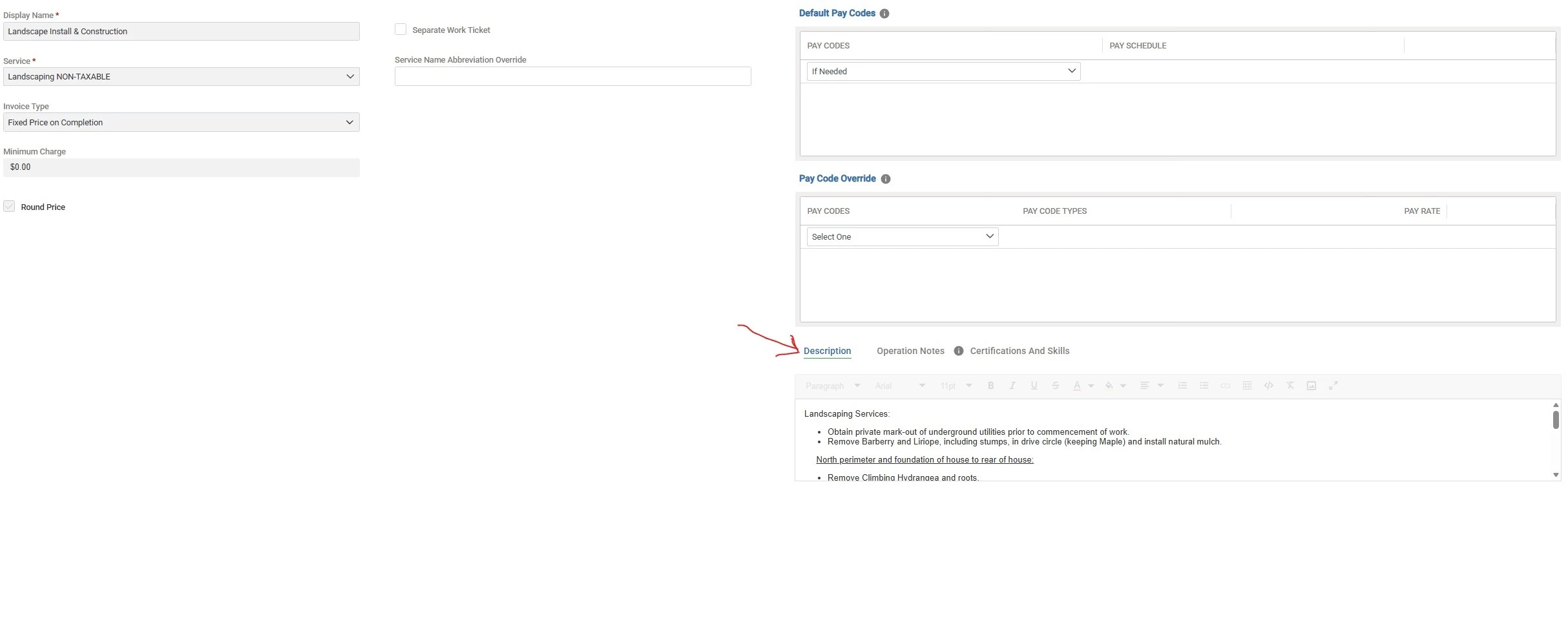
Good morning all.  Quick question:  Is it possible to automatically expose the text of the Service Description to crews so that it shows in Mobile?  This would be in addition to the Service Operation Notes.  

6 replies

BHarwood
Forum|alt.badge.img+6
  • Participating Frequently
  • August 13, 2026

Not too my knowledge from the description field. You would need to copy and paste it into Operation Notes for each service. Not a bad recommendation though!


swirtholg
Forum|alt.badge.img+12
  • Participating Frequently
  • August 13, 2026

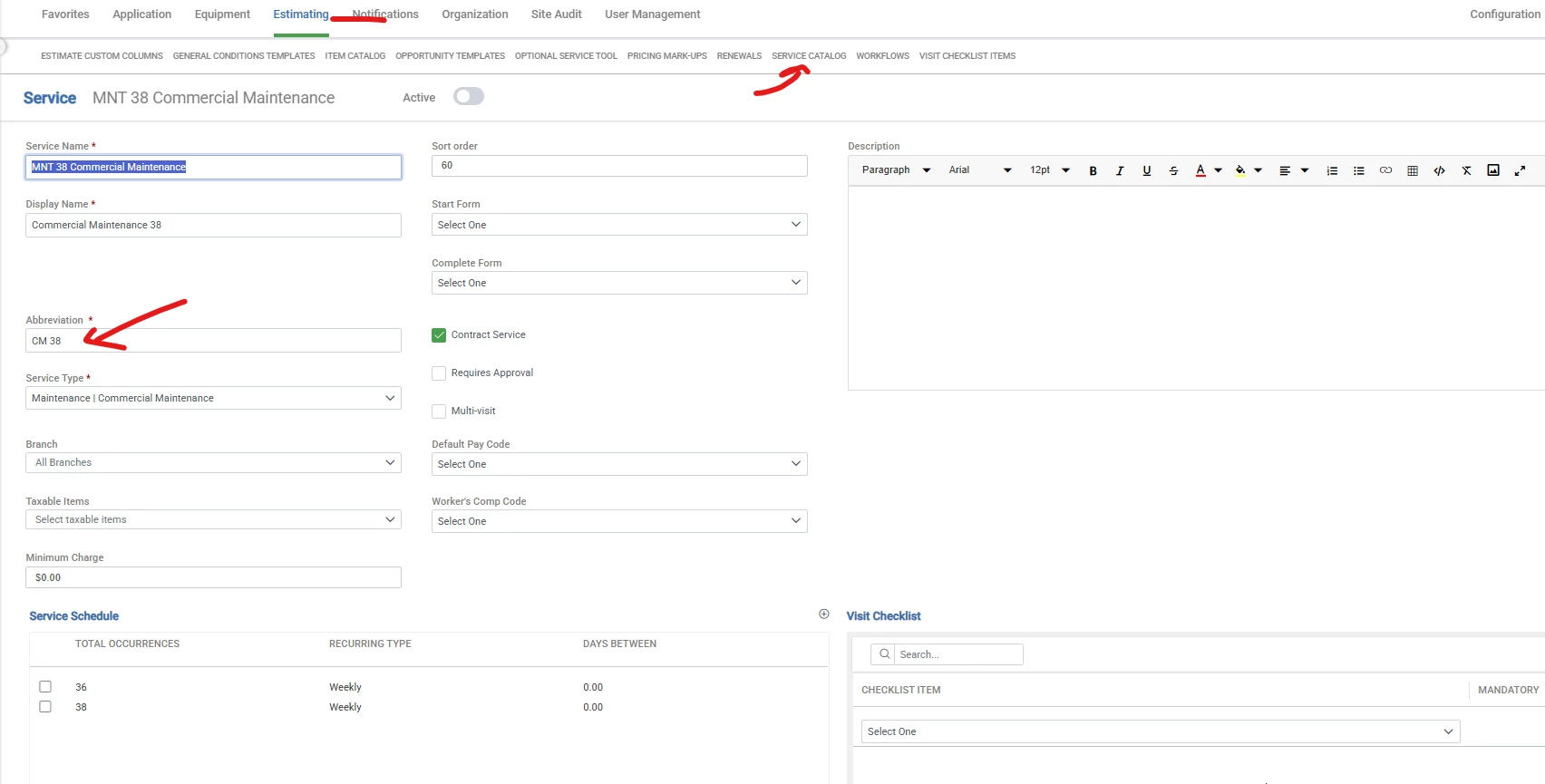
In the service set up page in adminstration → Estmiating → Services-
The service abbreviation is what automatically shows up  on the ticket display in Aspire mobile


swirtholg
Forum|alt.badge.img+12
  • Participating Frequently
  • August 13, 2026

To clarify- I would use that if the recurring service descriptions needed to be different - Ie- (mow blow go) vs (full service maintenance including bed weeds) etc 


Forum|alt.badge.img+7
  • Author
  • Participating Frequently
  • August 13, 2026

Thank you ​@swirtholg - The service abbreviation is a good bit of info for the crews.  But, I am referring to the full Service Description field and mainly when it comes to Work Orders.  Often times the service description field that the customer sees on their proposals contains all the detail the crew needs to complete the work.  Unfortunately, we often forget to copy and paste it over to the Operation Notes.  It would be nice to have the option to just expose the full Service Description to the crew.  In this way, Operation Notes would actually become optional and supplemental to the Service Description.  It would also serve to reduce the number-of-clicks it takes to produce an estimate when you don’t have to worry about the opportunity notes field.  


swirtholg
Forum|alt.badge.img+12
  • Participating Frequently
  • August 13, 2026

@Tim Ah- I got you, yes does feel like unneccesary clicks to get this information copied over. With our team I’ve found its not a straight automatic copy because there is so much fluff the salesman add on the client facing descripitions. Too many words reduce the meaing for he crew guys. The good news is the operations notes can be updated even after the job is in production. I’ll often update the ops notes after the job is on the schedule board. 


BHarwood
Forum|alt.badge.img+6
  • Participating Frequently
  • August 13, 2026

I remember running into this when I was an account manager. In most cases I would try to hit a happy medium with what I put in “Proposal Description 1” so that it made sense to the customer and the crew. That way I could sell the job and copy/paste the description for the operations team. 

In most cases this included marked up photos to make things extra clear if there wasn’t a design included.