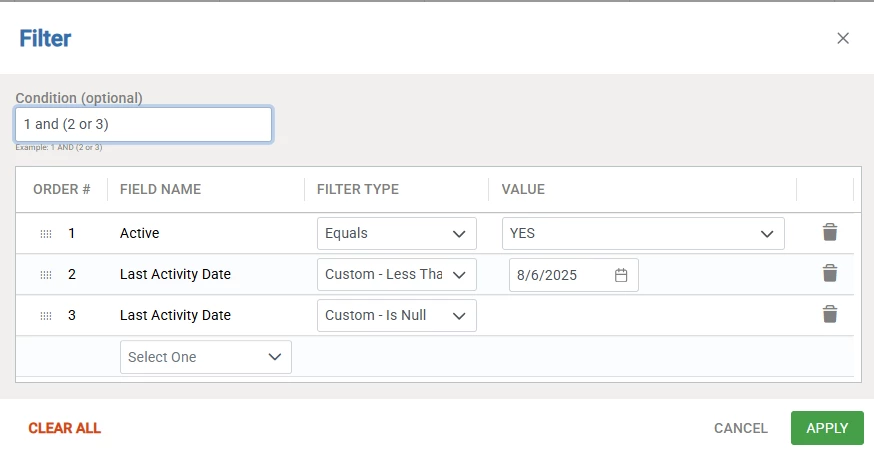
We currently utilize activities as our CRM tracking tool, but we struggle to get CRMs to consistently log their activity (yes, this could be a people/training issue which we are simultaneously addressing). We want to get ahead of the game if there is a client that is slipping through and not getting the attention they deserve.
Is their a way to run a report which would show all properties/opportunities in a book of business where a CRM should be having consistent activity and the last time that activity occurred (but based on a specific CRM activity category, not just an invoice sent or email reminder)? We want the list to show all of the properties even if the last activity is blank so we really can create awareness of clients that haven’t been touched at all or not within a specified timeframe (i.e., 14 days).
We don’t necessarily want to create future tasks for a once-per-month CRM check-in for every single property because it seems it will just clog and make things look messy, plus the initial admin burden of creating those tasks.
We would still want the CRM to be able to add notes to the associated task to be able to reference back as well - we don’t want those details of a visit/call to be lost.
Any tips, advice, or suggestions?